Cross · Single image · 5 credits
Try on glasses, jewelry, and watches — no AR SDK
User photo plus your accessory image. Realistic fit physics, opt-in consent, and no engineering team to integrate AR.
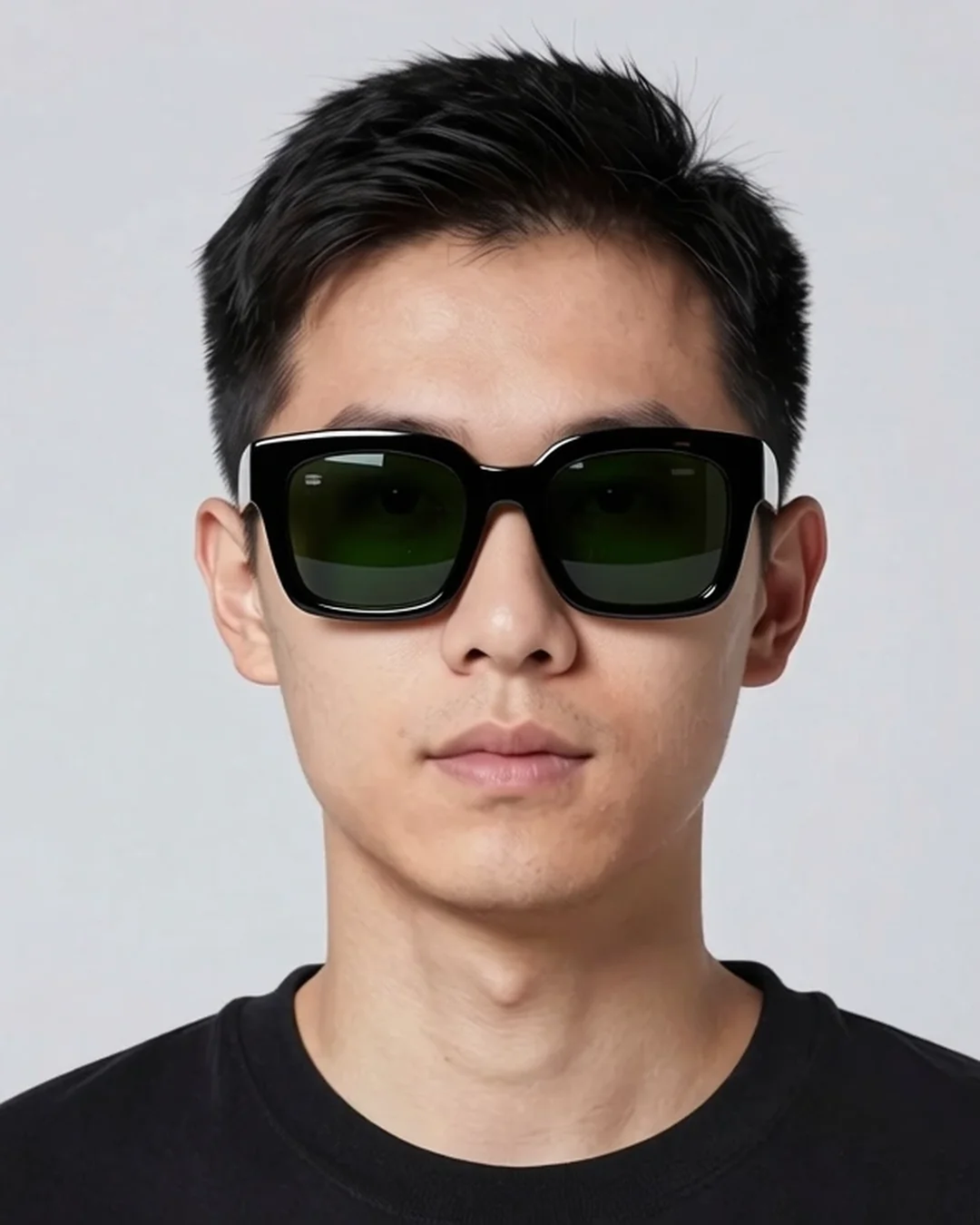
Your accessory, worn — on a model
Every result below was generated from the photo next to it. No cherry-picking.


Returns drop on personal accessories
Try-on confidence cuts the 'doesn't suit me' return reason for accessory categories.
No AR SDK integration
Web-only; works as a server-side render. No mobile-app build, no engineering sprint.
Consent-first
User photos are opt-in, owned by the user, and used only for the try-on output.
Who this is for
Who this is for
Eyewear brands
Job
Reduce returns on prescription and lifestyle eyewear
Friction
Try-on rooms don't exist online; AR SDKs are heavy to integrate.
Jewelry e-commerce
Job
Show the chain, ring, or earring on the customer's body
Friction
Customers can't picture small jewelry from product shots.
Watch retailers
Job
Show wrist proportion before purchase
Friction
Watches over-size for the wrist drive returns.
How it works
How it works
-
1
Customer uploads opt-in photo
Selfie or mirror photo. Consent-aware — the user provides their own image.
Replaces: Sending the customer to a physical store.
-
2
Pick the accessory
From your catalog. Accessory_type (glasses, earrings, necklace, watch, ring) parameters fit physics.
Replaces: Multi-style inventory at home for try-on.
-
3
Generate
Around 30 seconds. Output renders the accessory at correct scale on the user's face or body.
Replaces: AR-SDK integration sprint.
-
4
Show on PDP
Embed the try-on output on the PDP gallery; show the user wearing the product.
Replaces: Generic product-only PDP gallery.
Pixfino vs traditional production
Pixfino vs traditional production
| Traditional studio | Stock + retouch | Pixfino | |
|---|---|---|---|
| Lead time | Customer travels to store | N/A | Under 1 minute |
| Per-fitting cost | Lost margin from returns | N/A | 5 credits |
| Engineering effort | AR SDK integration | N/A | REST endpoint |
| Returns reduction | Baseline (high) | N/A | Measurable lift |
| Scale ceiling | Per-store throughput | N/A | Real-time per-shopper |
| Customer effort | Visit store | N/A | One photo |
Questions and answers
Questions and answers
How accurate is the fit?
What accessory types are supported?
What about consent?
Is the user's photo stored?
Will the accessory's color match my catalog?
Can I batch try-on for the full catalog?
Related templates

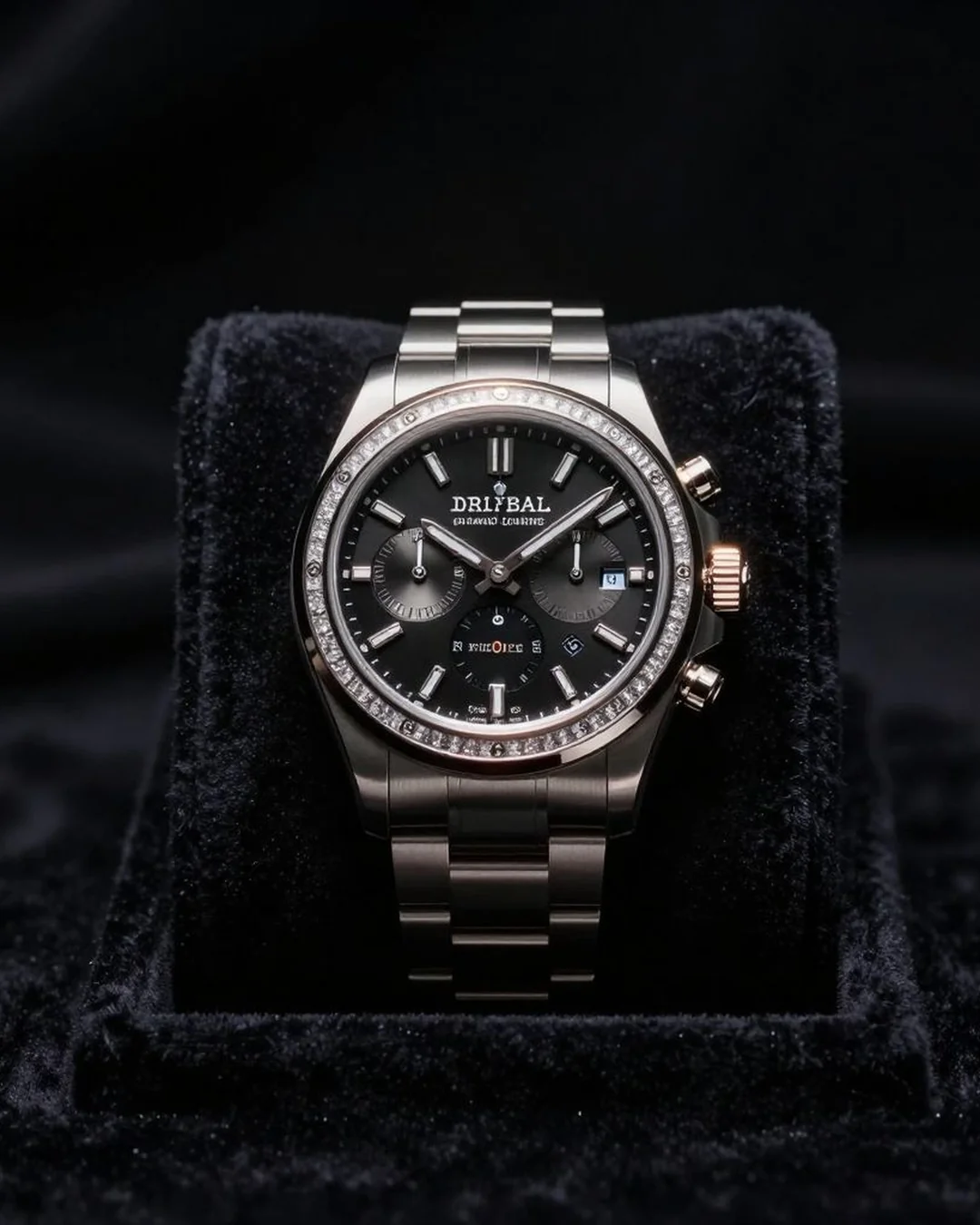
Customer photo plus accessory in, try-on render out. No AR SDK.
Free credits on signup. No card required.