One brief in. One render out.
Every template is a pre-wired job — pick the one closest to your shot.
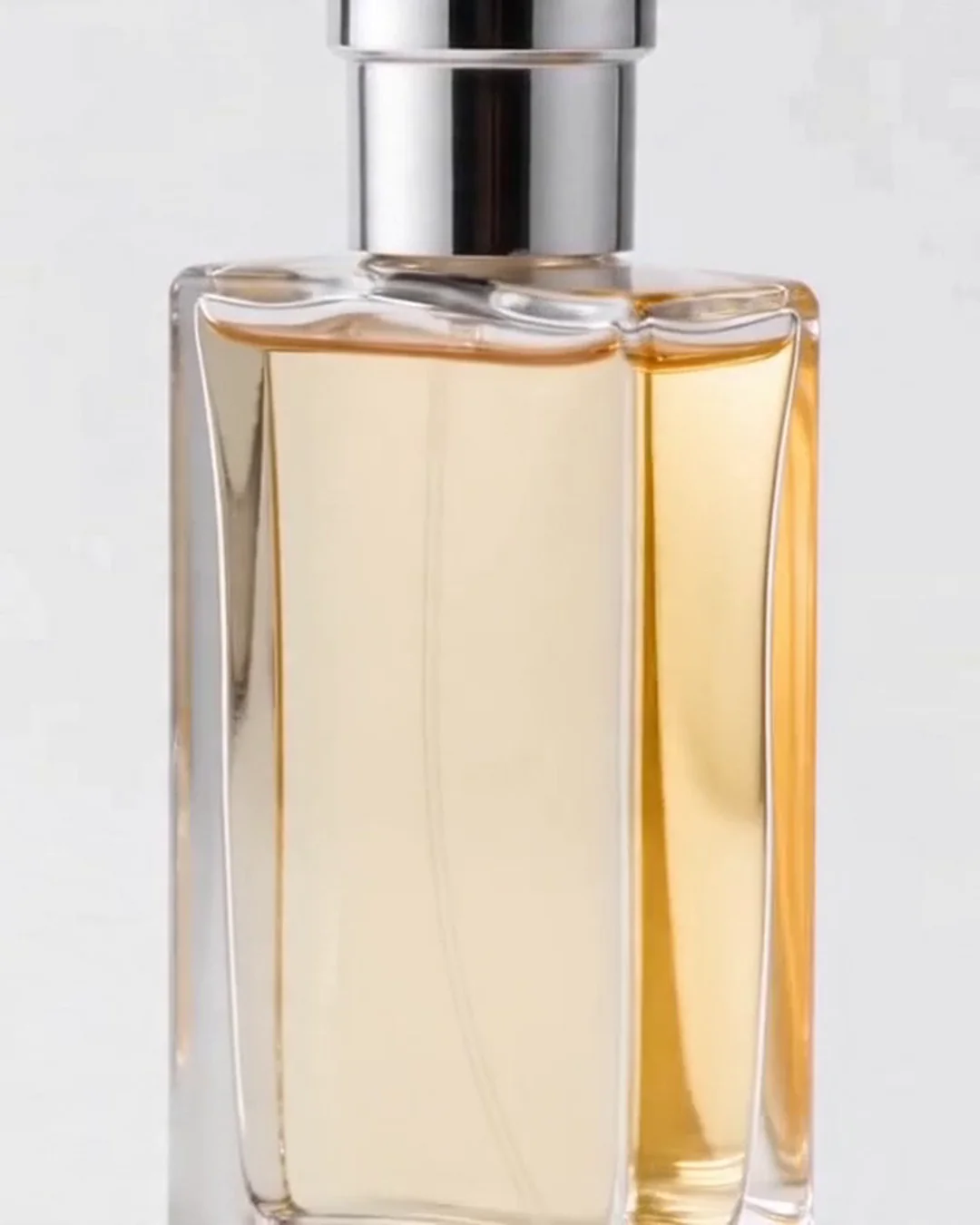
360° Product Spin Video
→
Smooth horizontal 360° rotation of a product against a clean background.
Boardroom Pitch Pack
→
Campaign concepts with a CEO-grade defense: full brand-context reading via the kimi/k3 long-context model.…
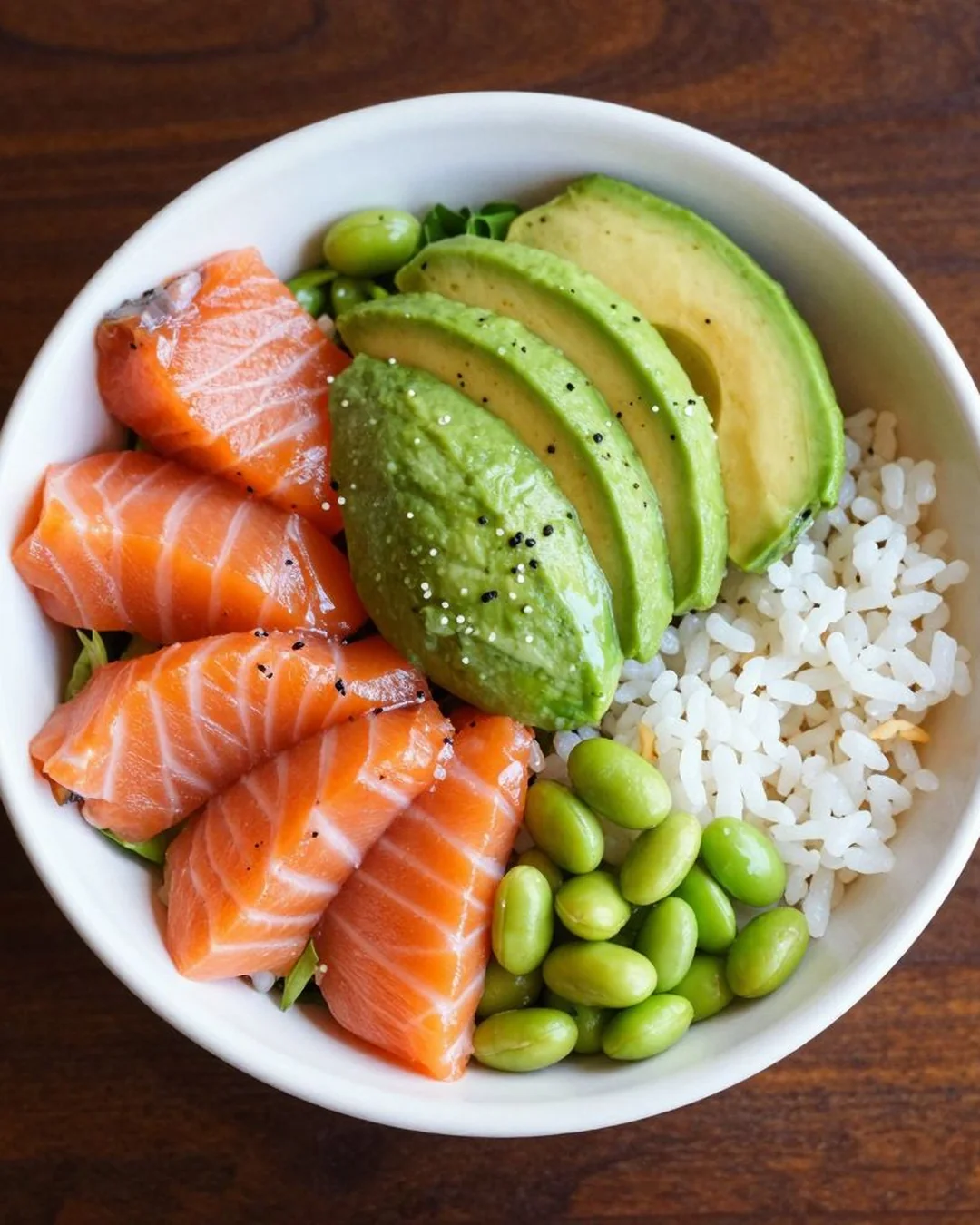
Delivery App Optimizer
→
Reformat a dish photo per delivery-app spec (Uber Eats, DoorDash, Grubhub, Instagram Shop).
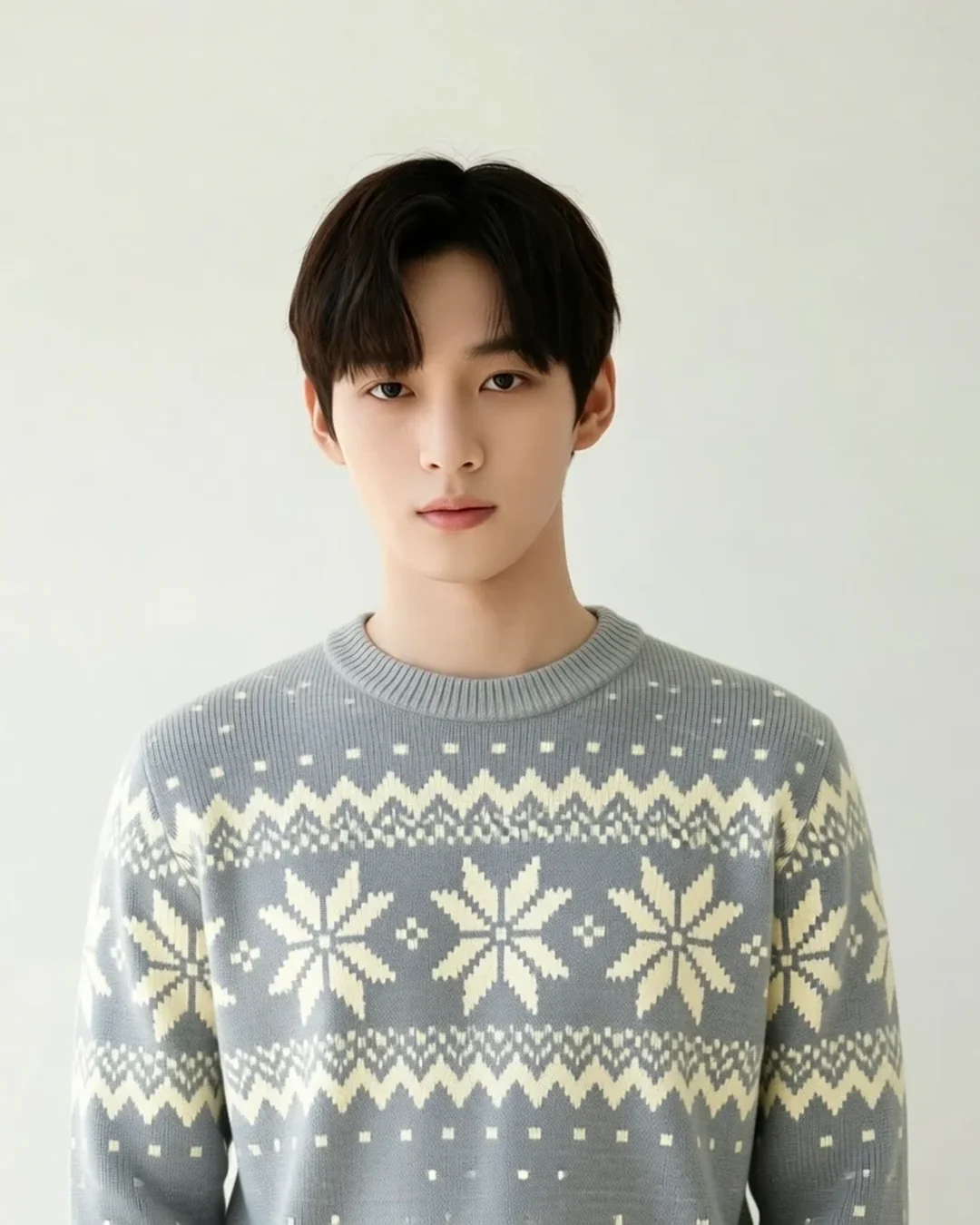
Edit with AI
→
Describe a change in plain English and get the edited image — everything else stays put.
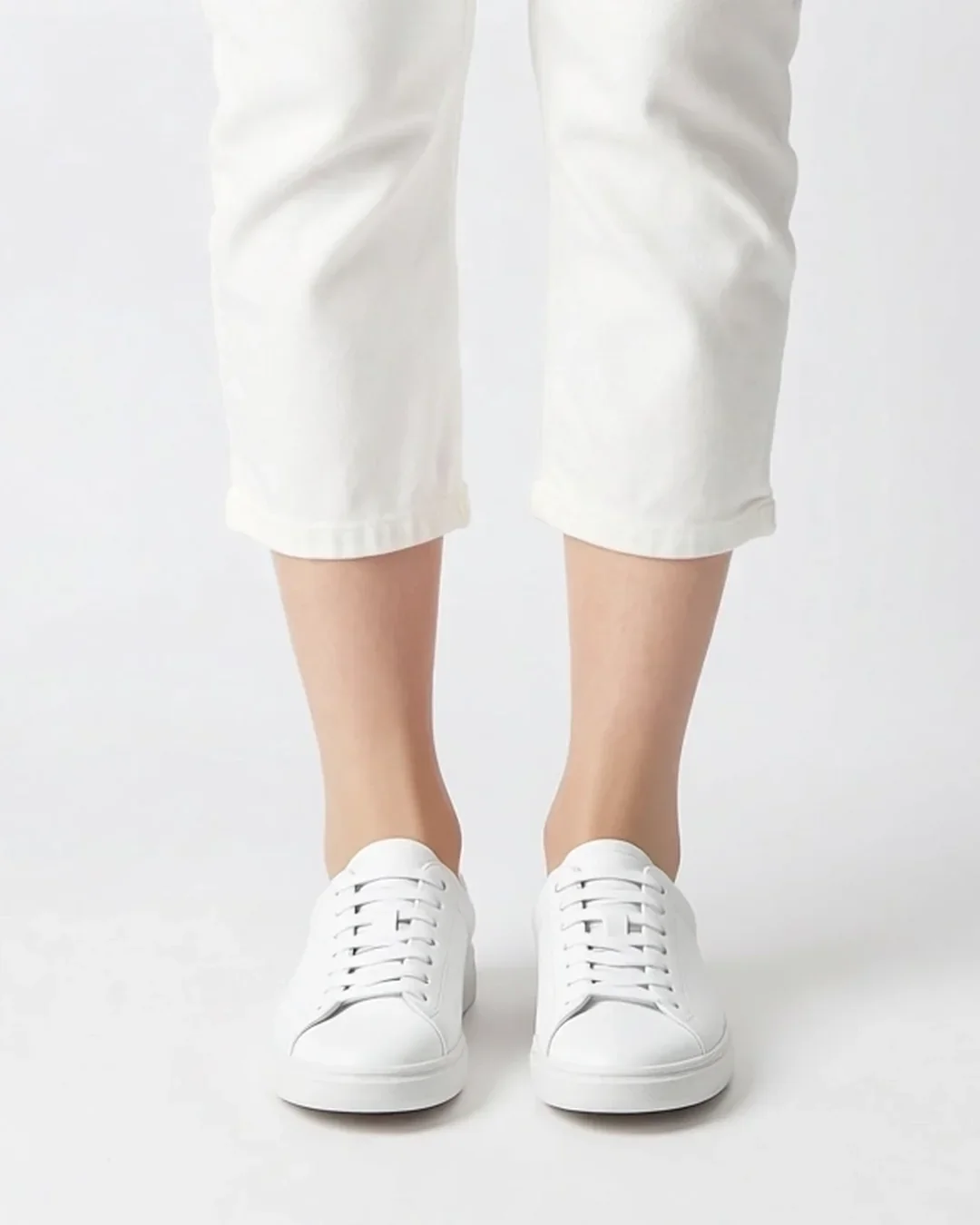
Footwear On-Model
→
Upload just your shoes — get a studio-grade photo of a model wearing them in the scene you choose.
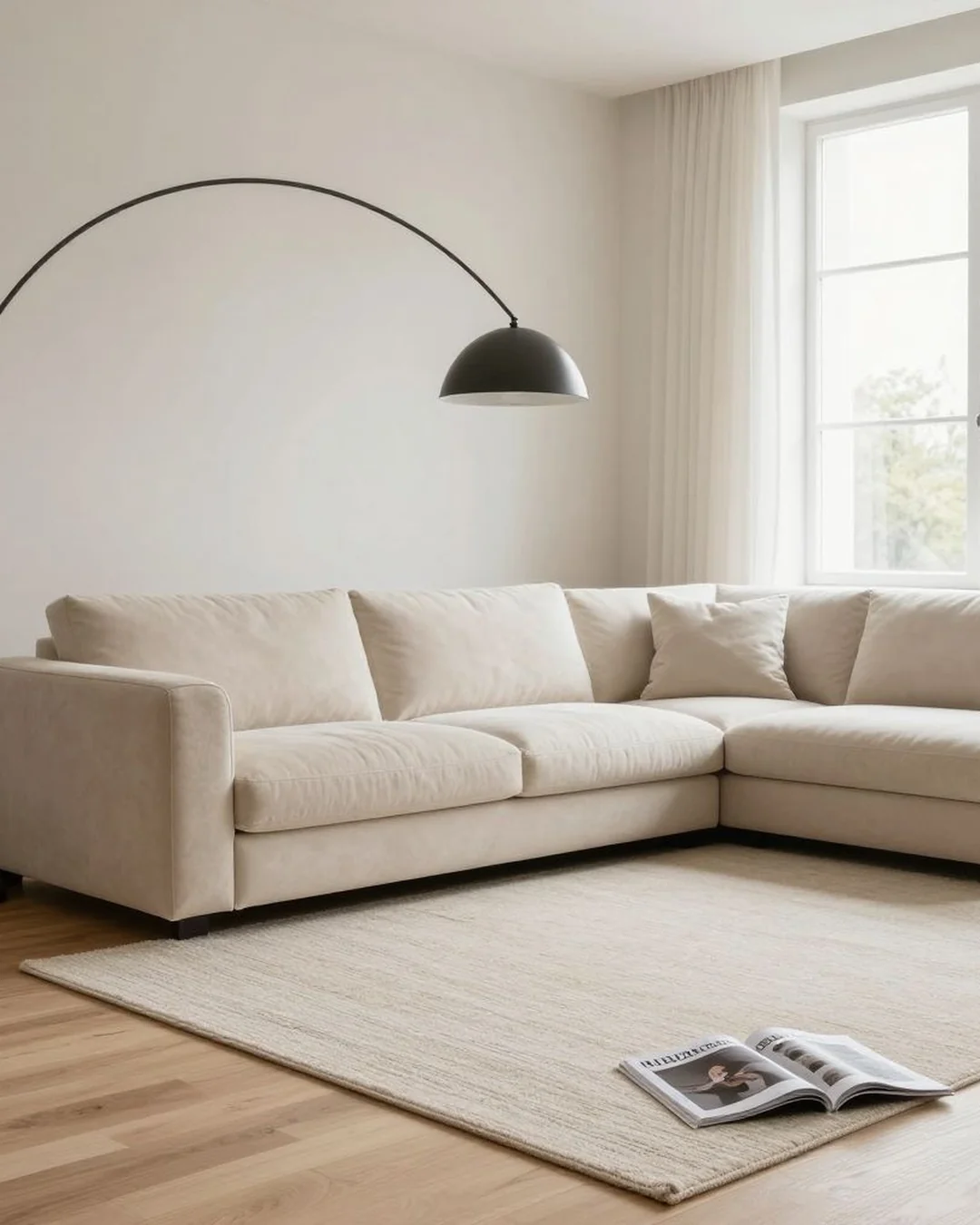
Furnish Empty Room
→
Virtually stage an empty interior with furniture in the chosen style.
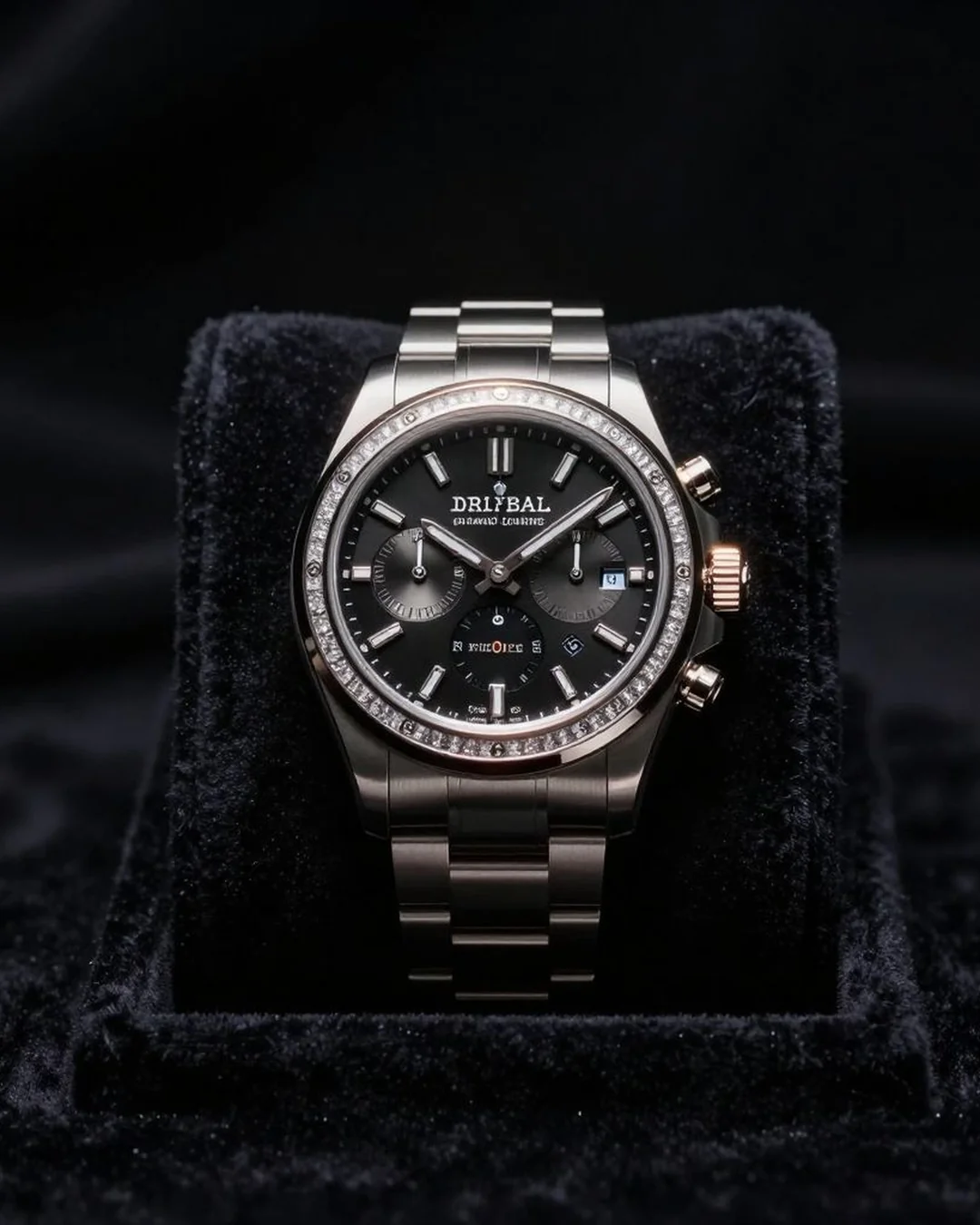
Hero Banner Video
→
Generate a cinematic hero video from one source asset. Uses the higher-quality video-pro model.
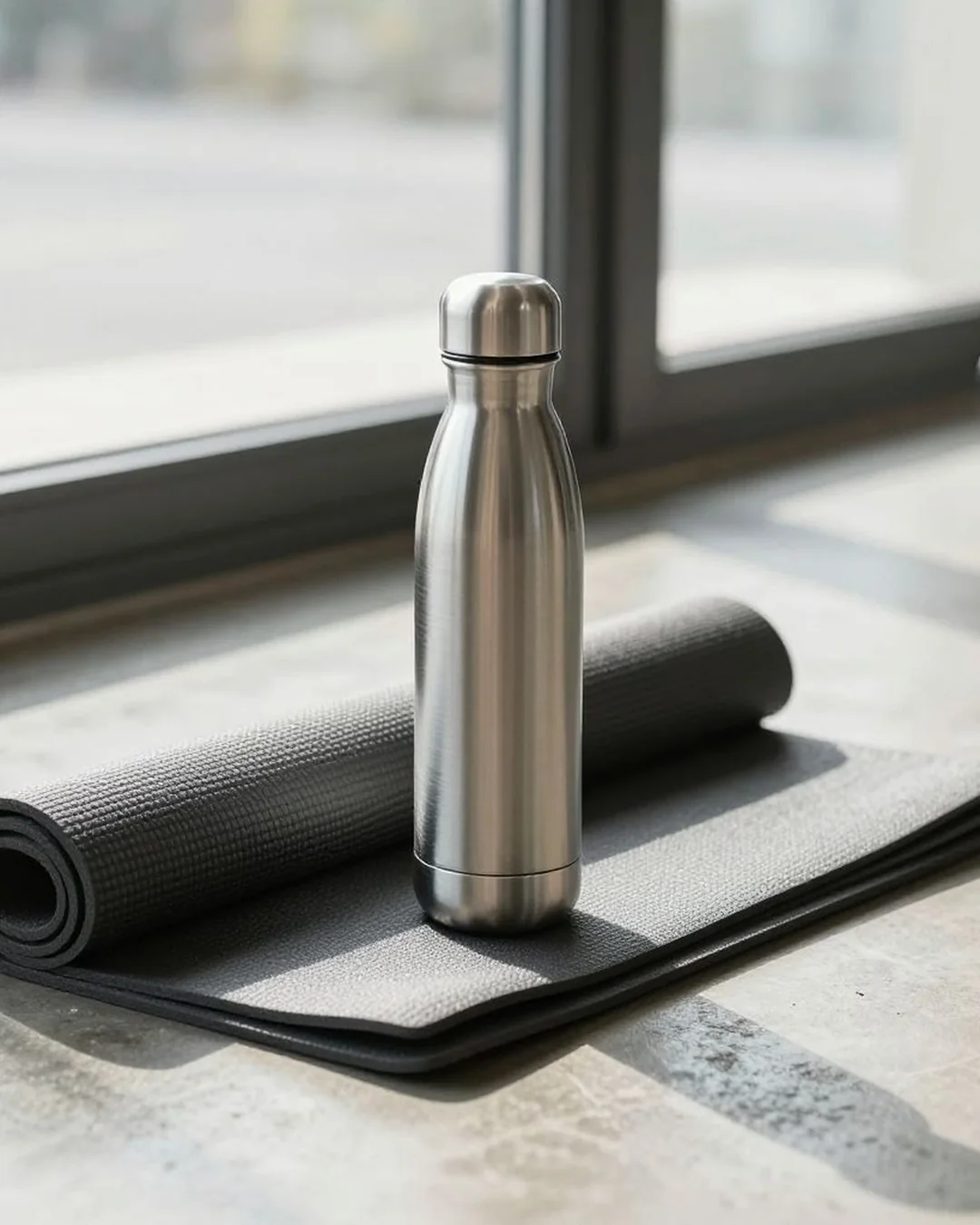
Lifestyle Context Shot
→
Place a product naturally in a lifestyle scene with optional human interaction.
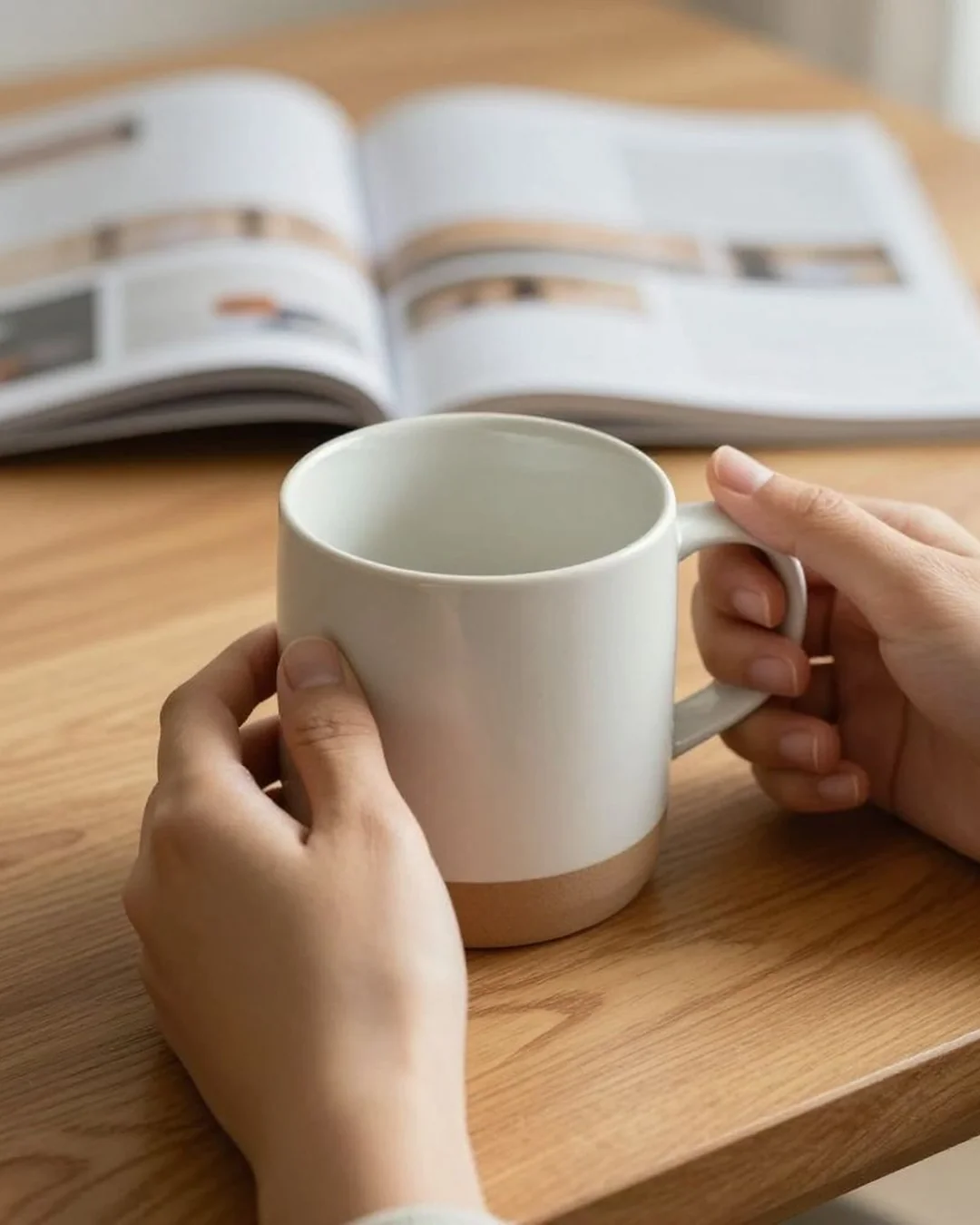
Lifestyle Motion Video
→
Cinematic narrative loop — product in use, hand-camera energy.
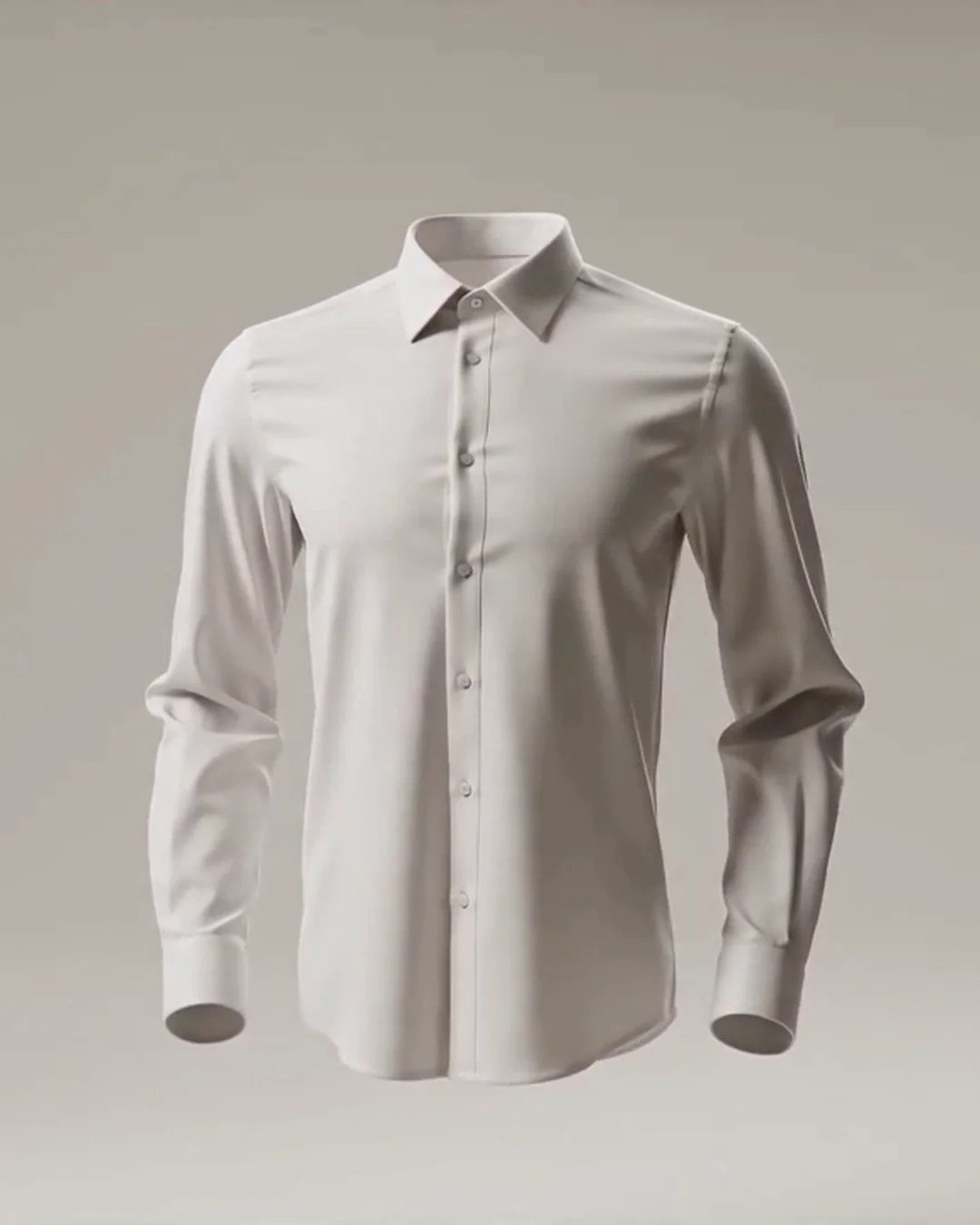
Living Garment Video
→
The supplied garment fills out as if worn by an invisible body, orbits in a clean studio, then settles back…
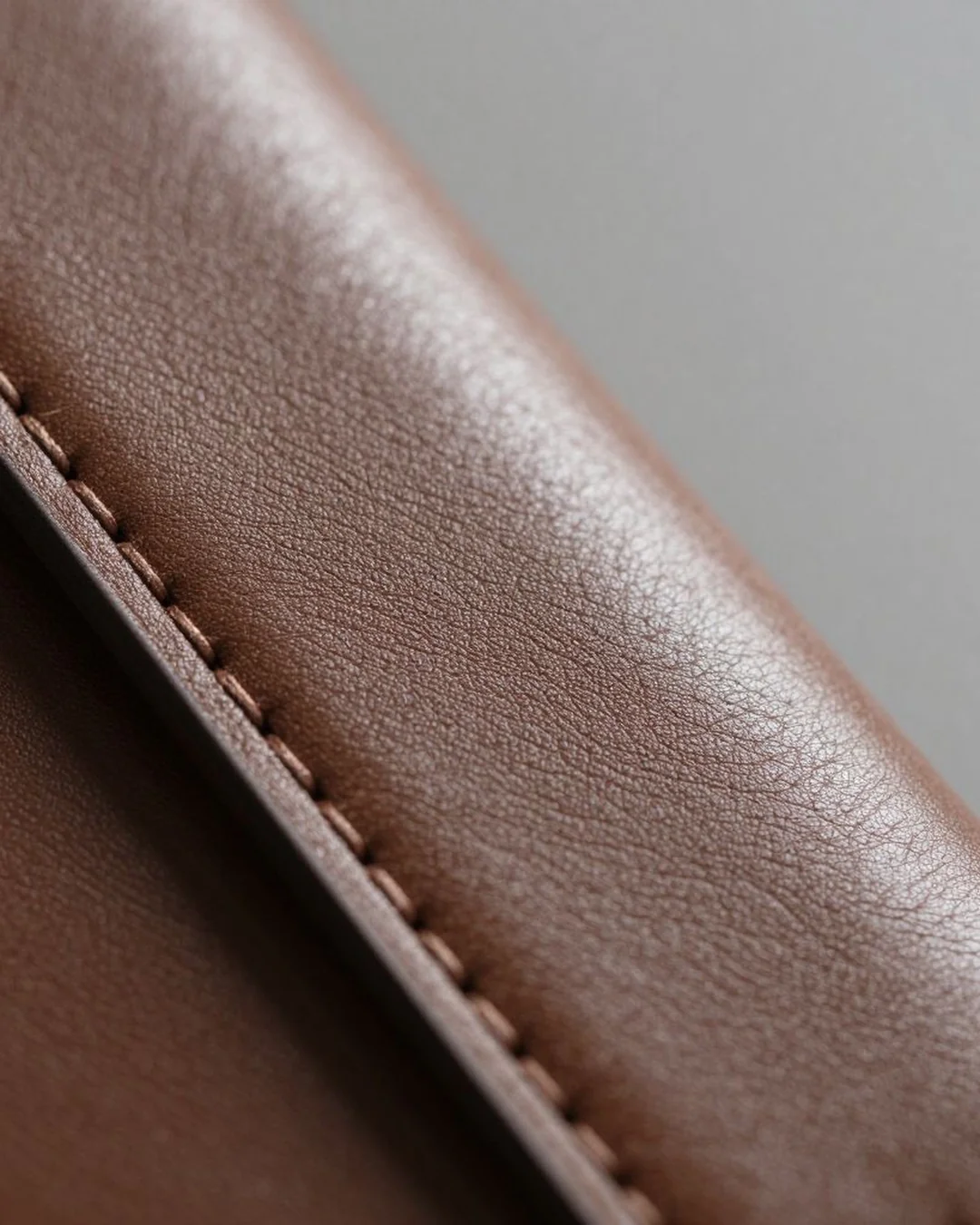
Macro Detail Shot
→
Close-up product photography emphasising texture, materials, and construction.
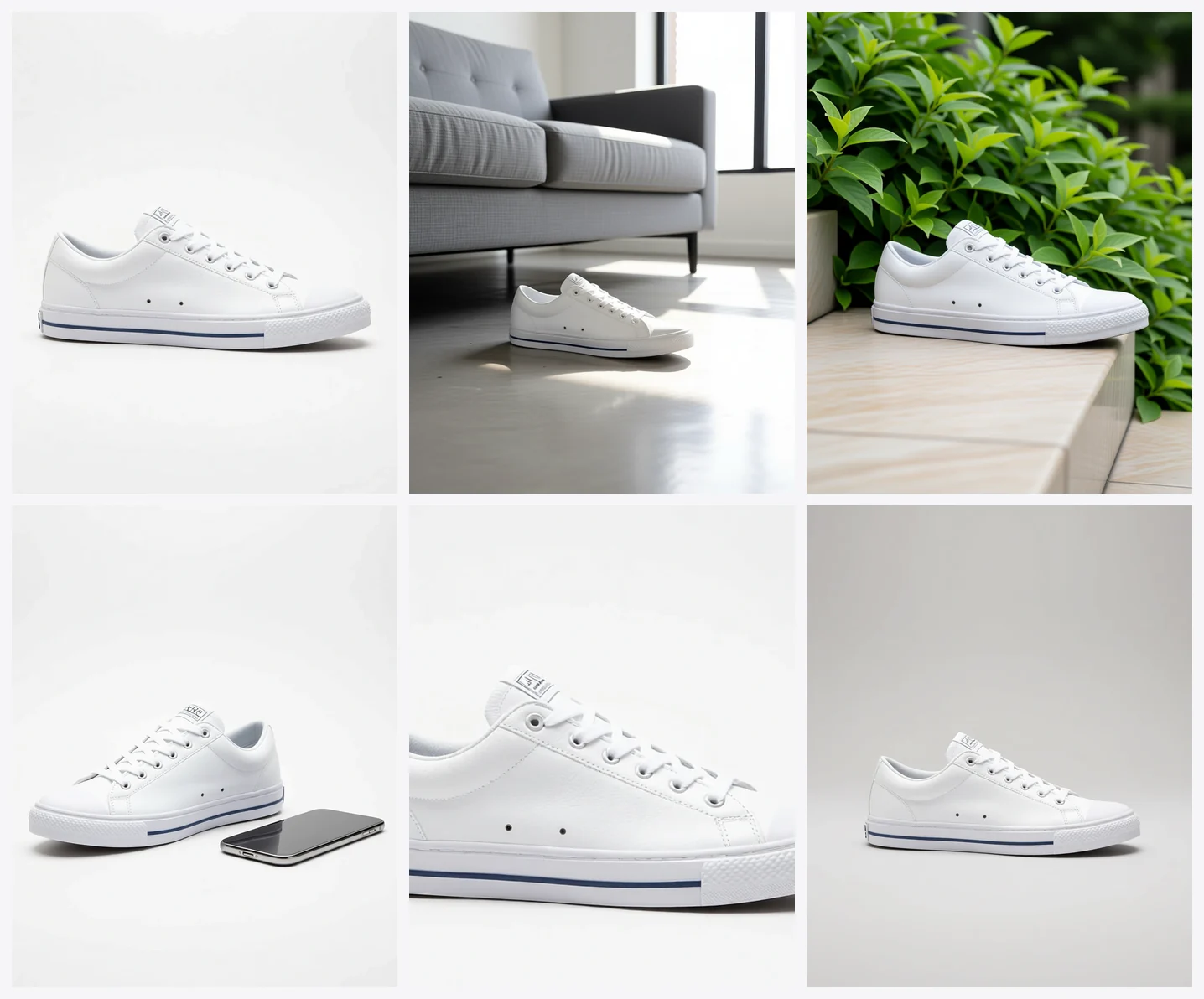
Marketplace Listing Pack
→
One product photo becomes a complete, compliant listing set — hero, lifestyle, scale, and a callout base plate.
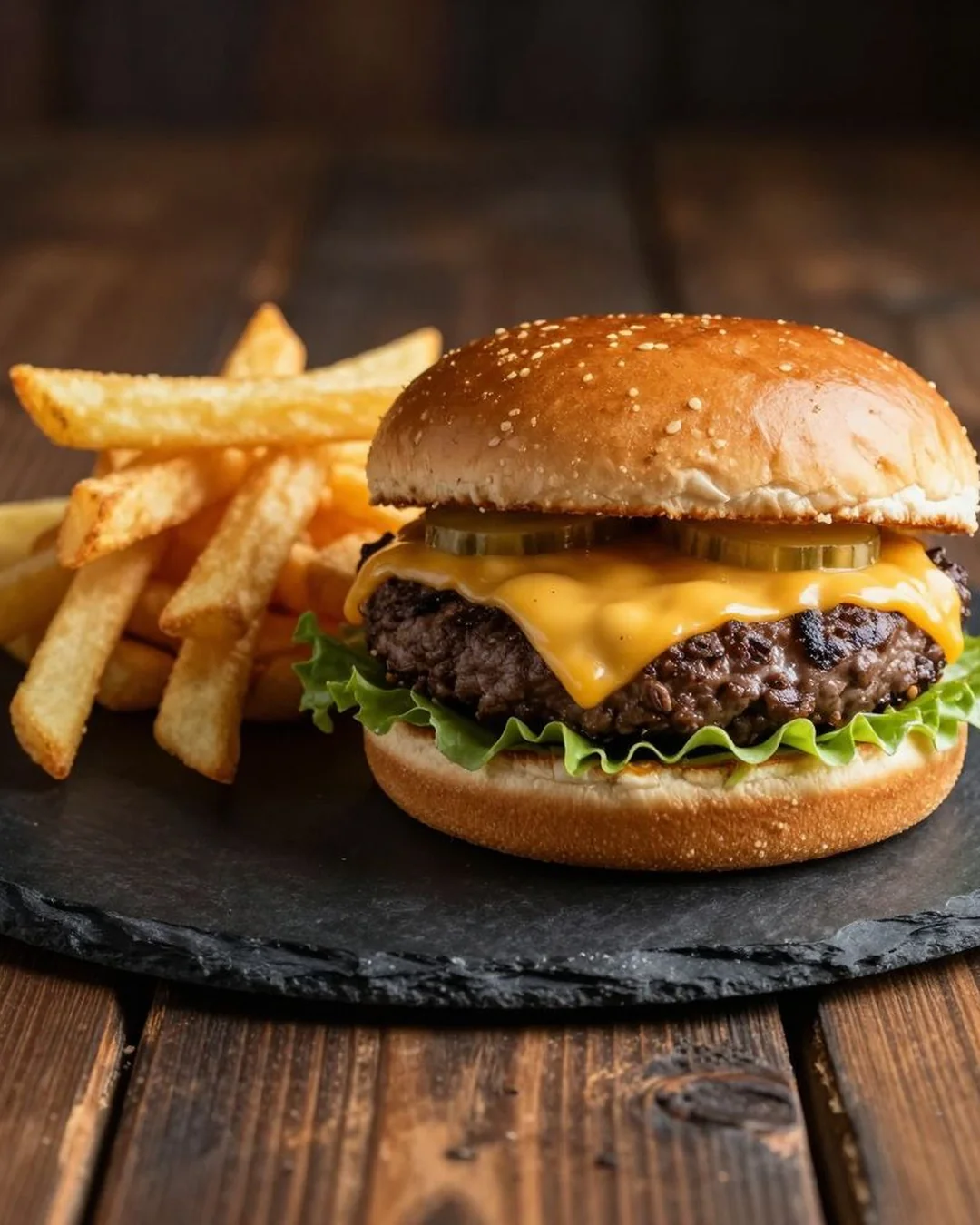
Menu Hero Shot
→
Transform a snapshot of a dish into professional menu photography.
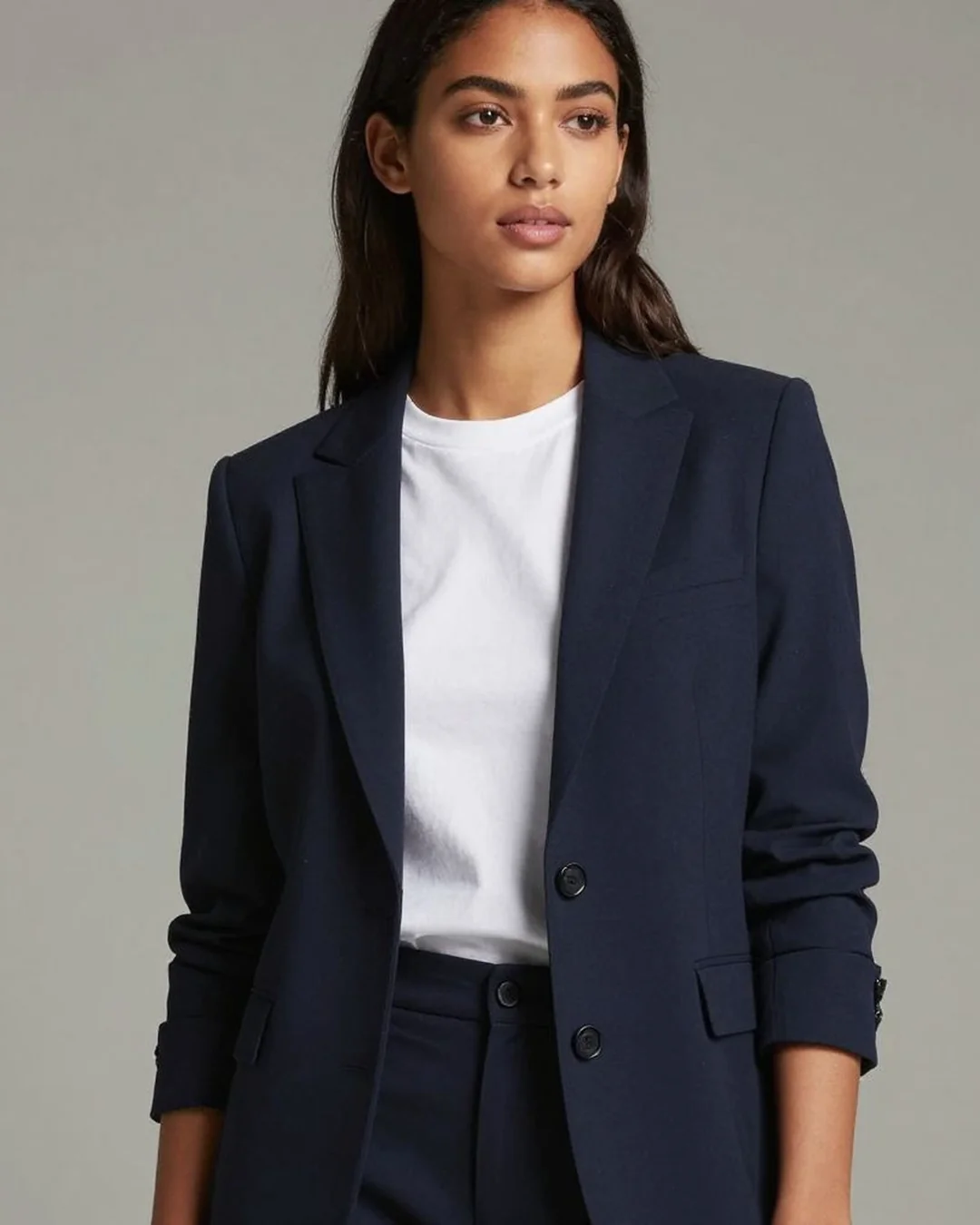
On-Model Product Shot
→
Place a supplied garment on a styled model with editorial lighting.
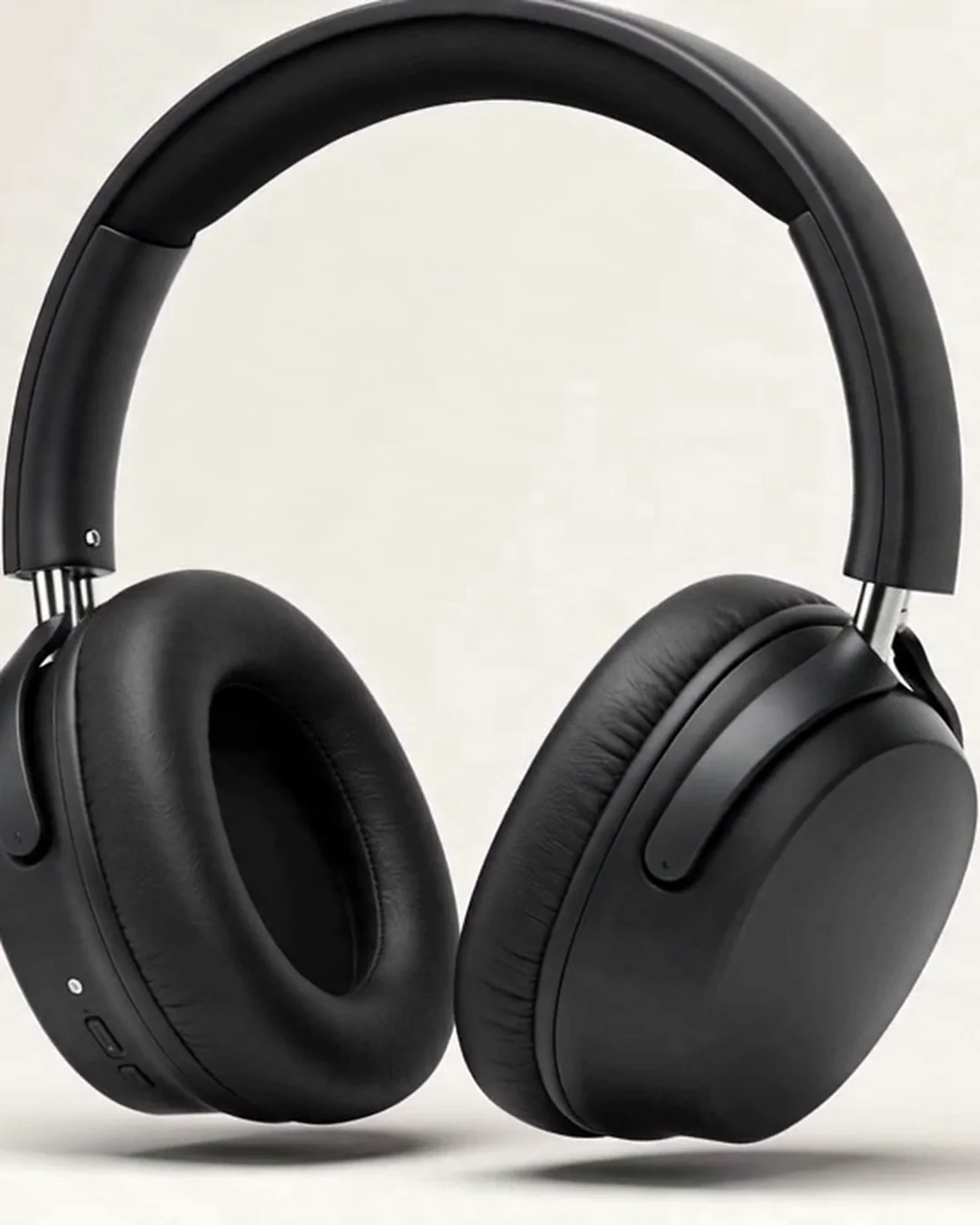
Product Motion Pro
→
Turn one product photo into a polished HD motion clip with a camera move.
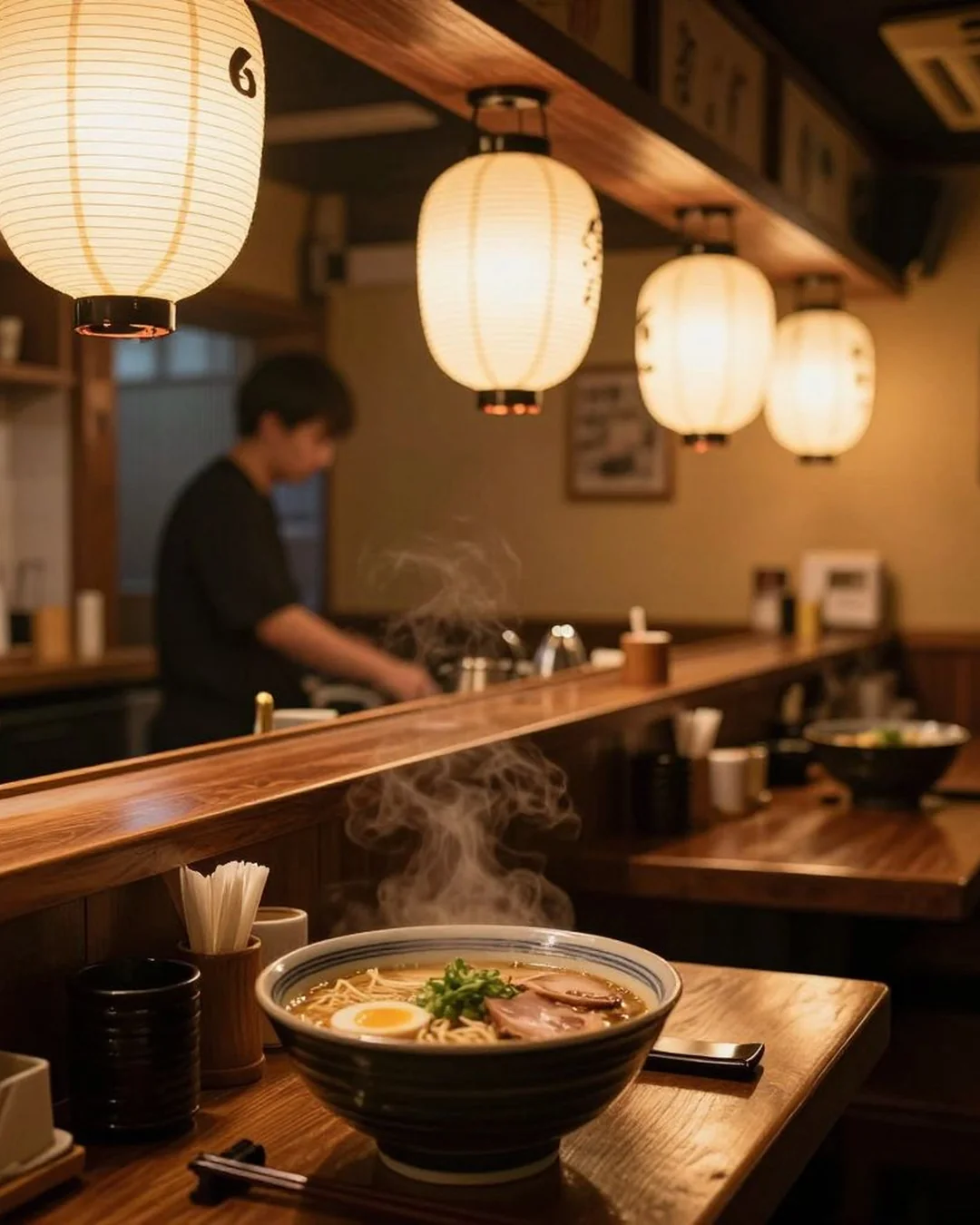
Restaurant Scene Builder
→
Generate a photorealistic restaurant interior scene featuring a dish you describe.
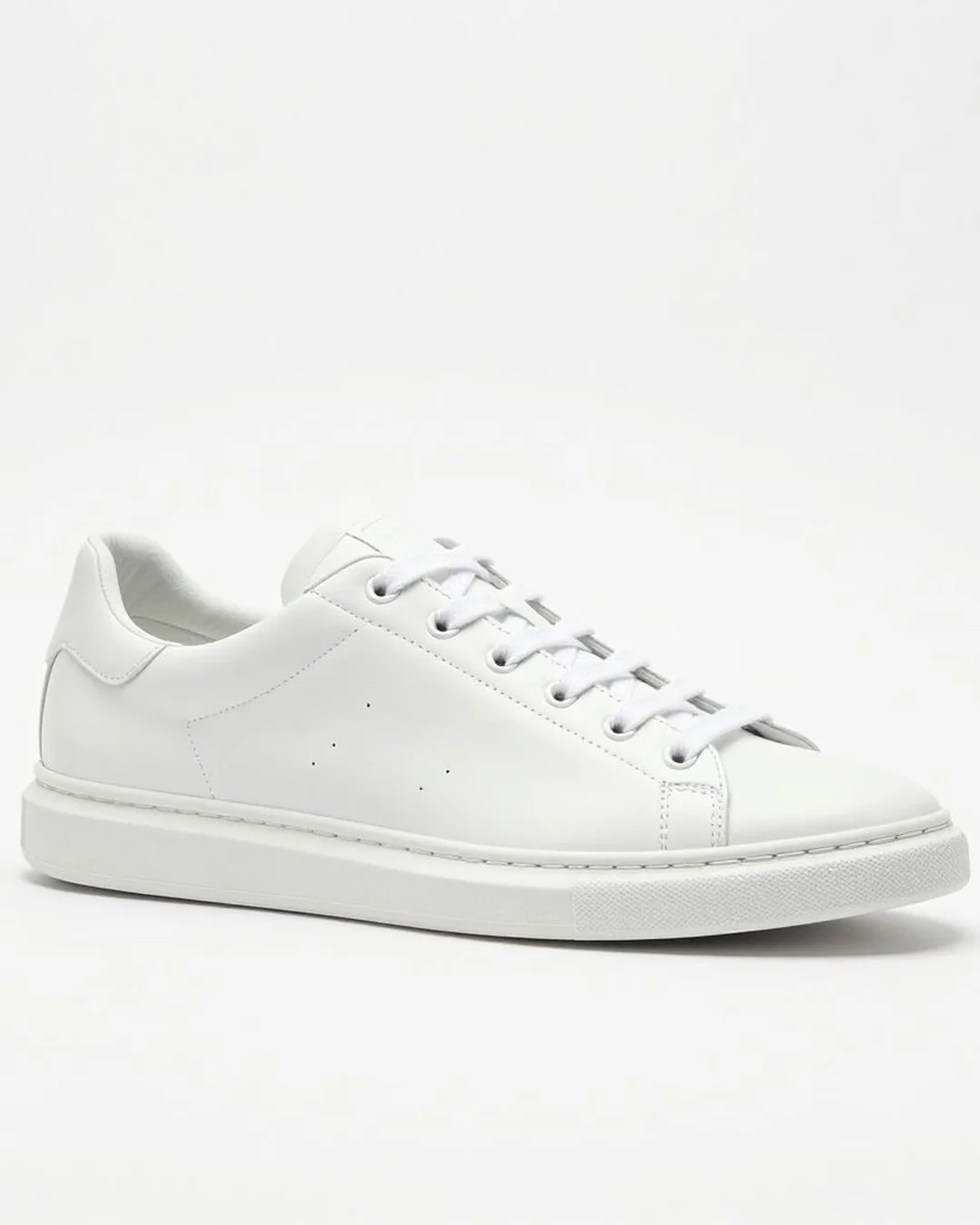
White-Background Standardizer
→
Place a product on pure white seamless for Amazon/Shopify PDP compliance.
Brand Film Studio
→
Turn one hero image into a cinematic brand film, up to 14 seconds long — video-pro quality. A full finished…
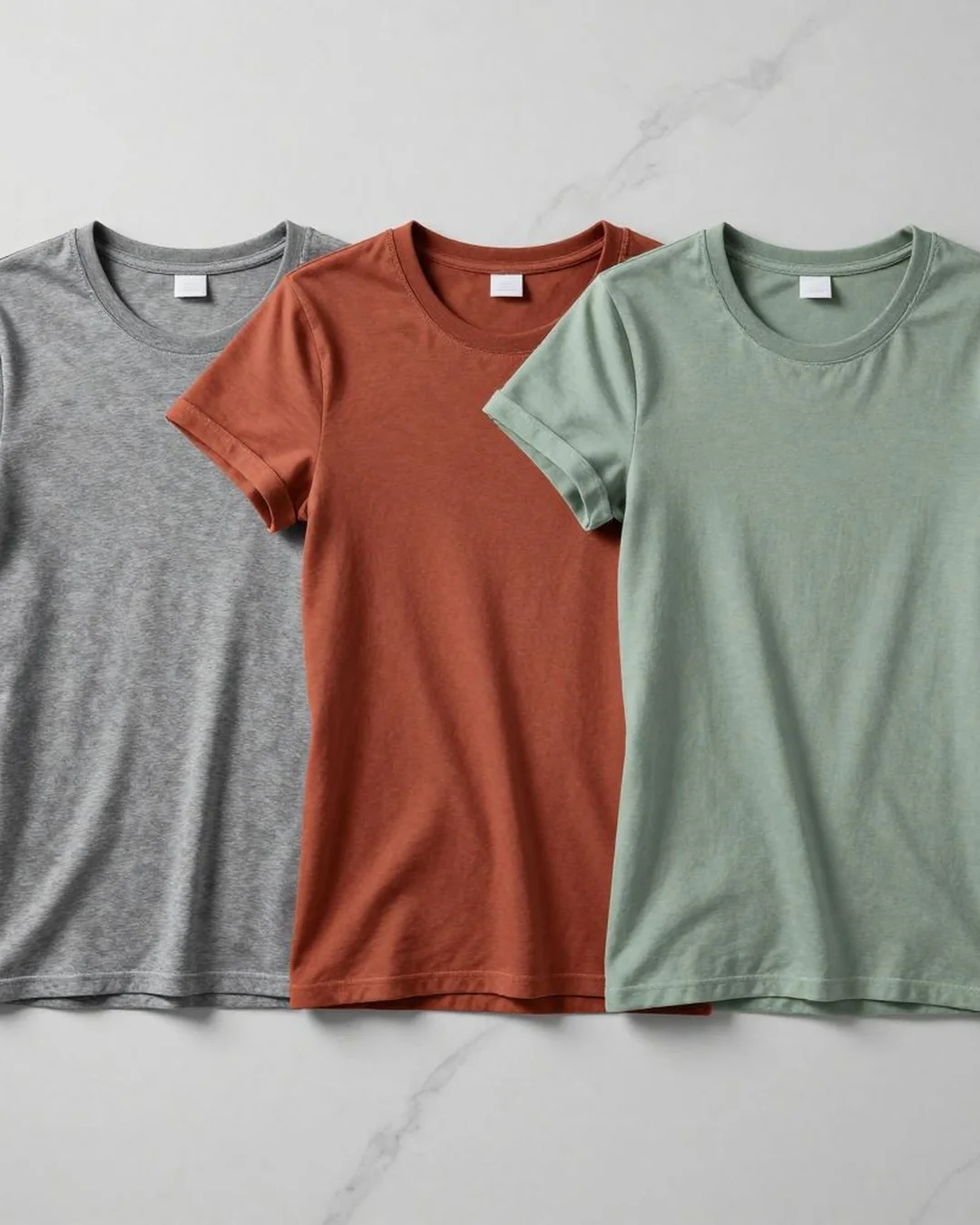
Catalog Variant Generator
→
Recolor a garment across N color/pattern variants while preserving model and composition.
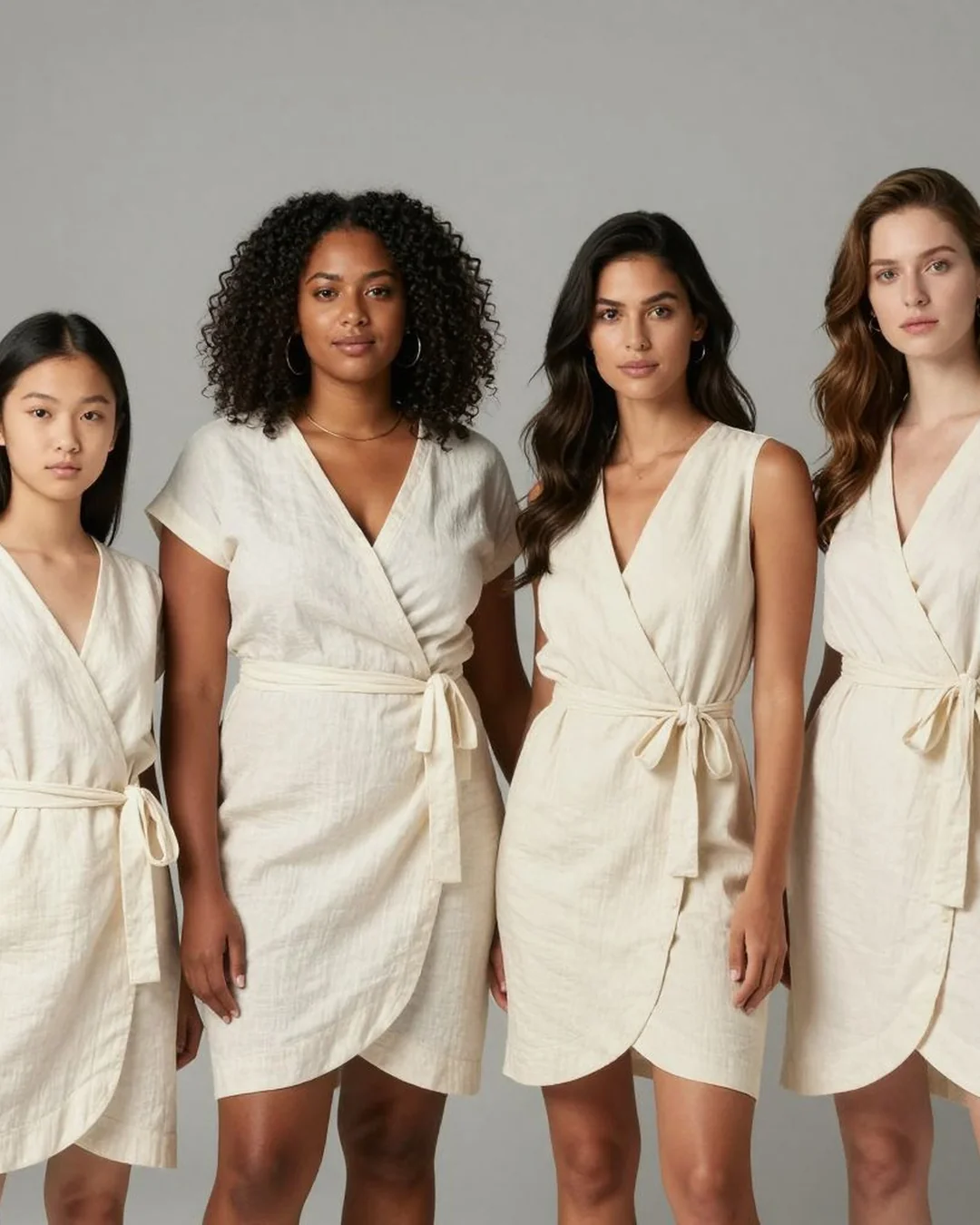
Diverse Model Variants
→
Re-render the same outfit on N model archetypes (different body type / ethnicity / age / gender).
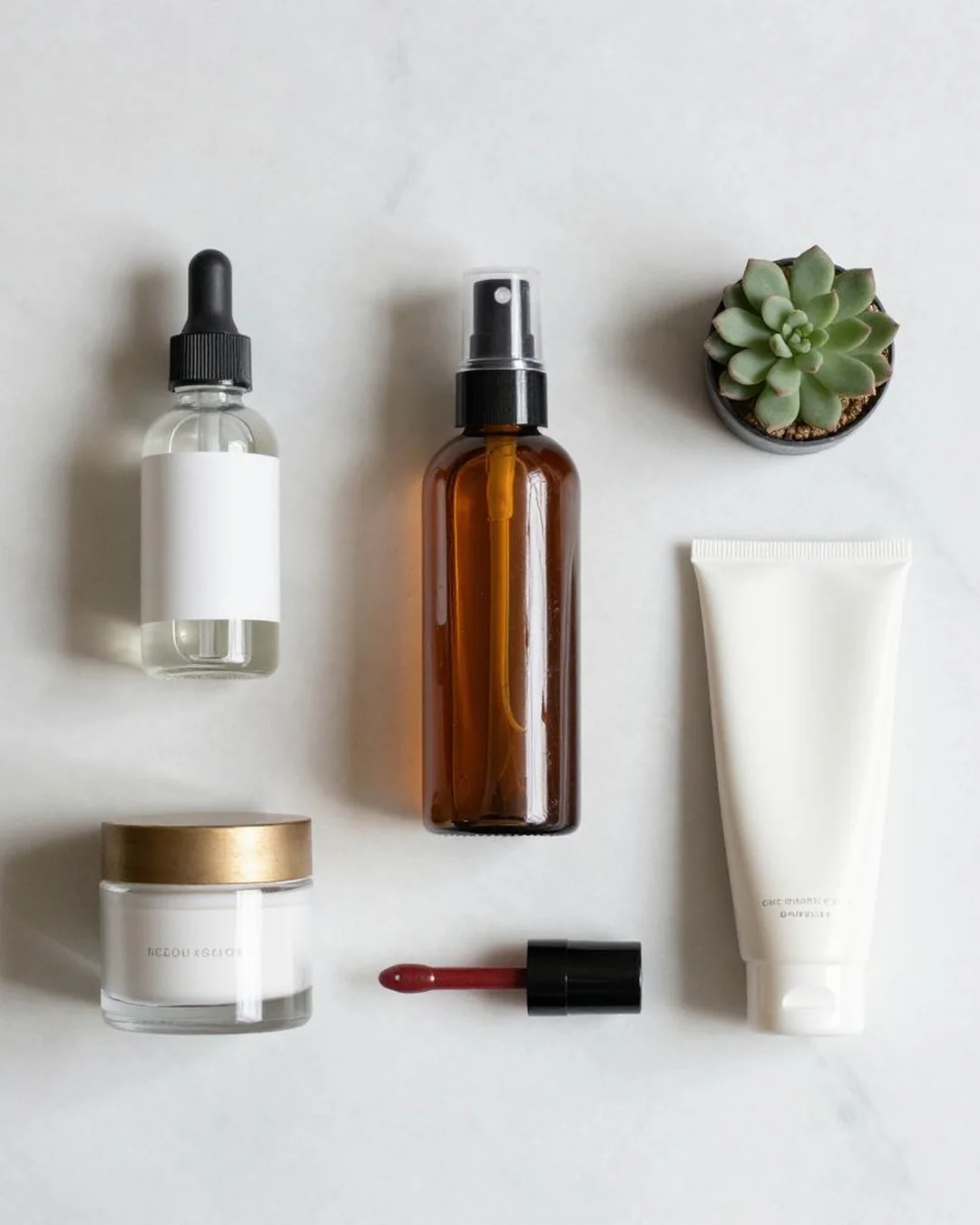
Flat Lay Composition
→
Overhead 90° flat-lay with curated props and brand palette.
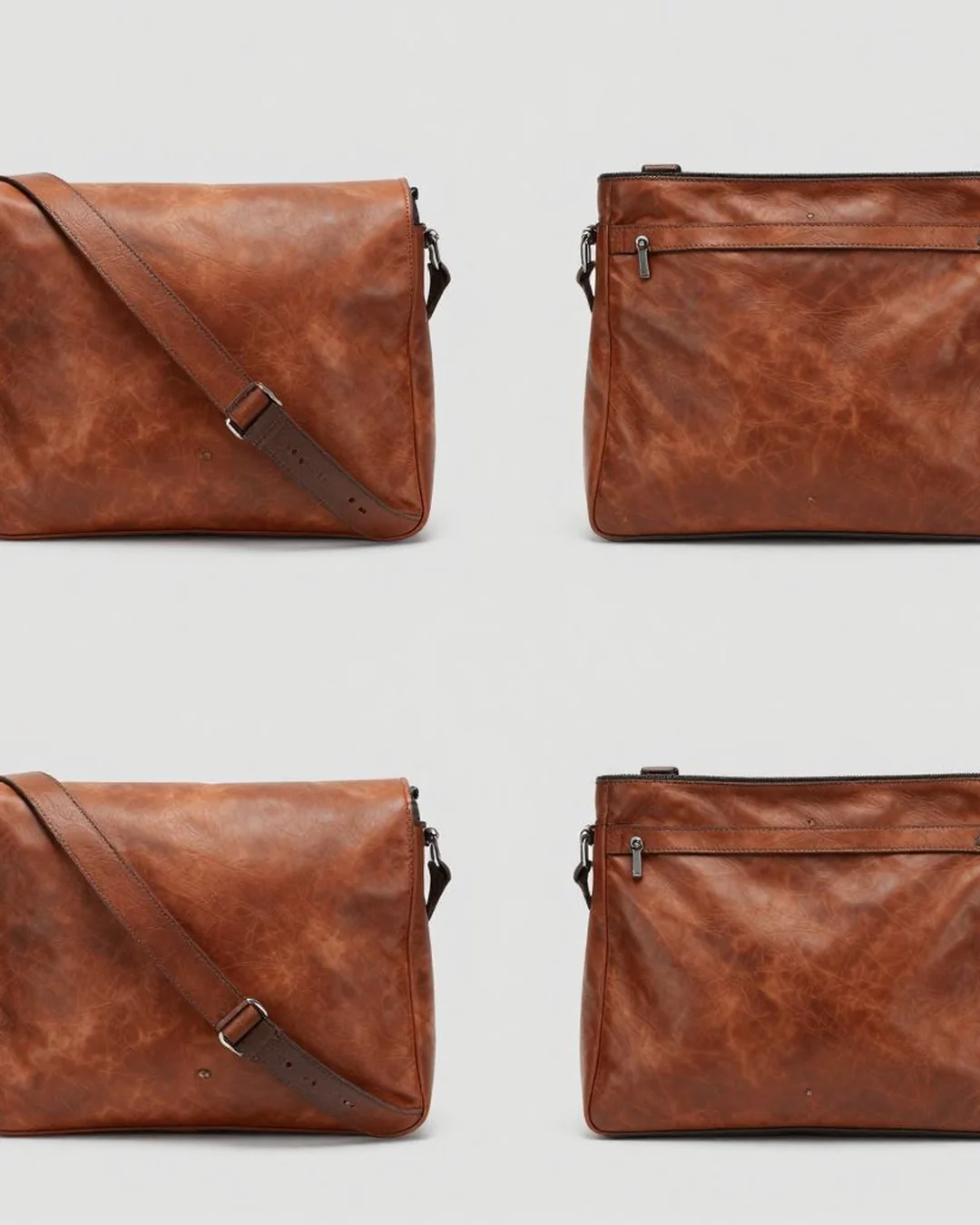
Multi-Angle Product Set
→
Render the same product from N angles selected by the operator.
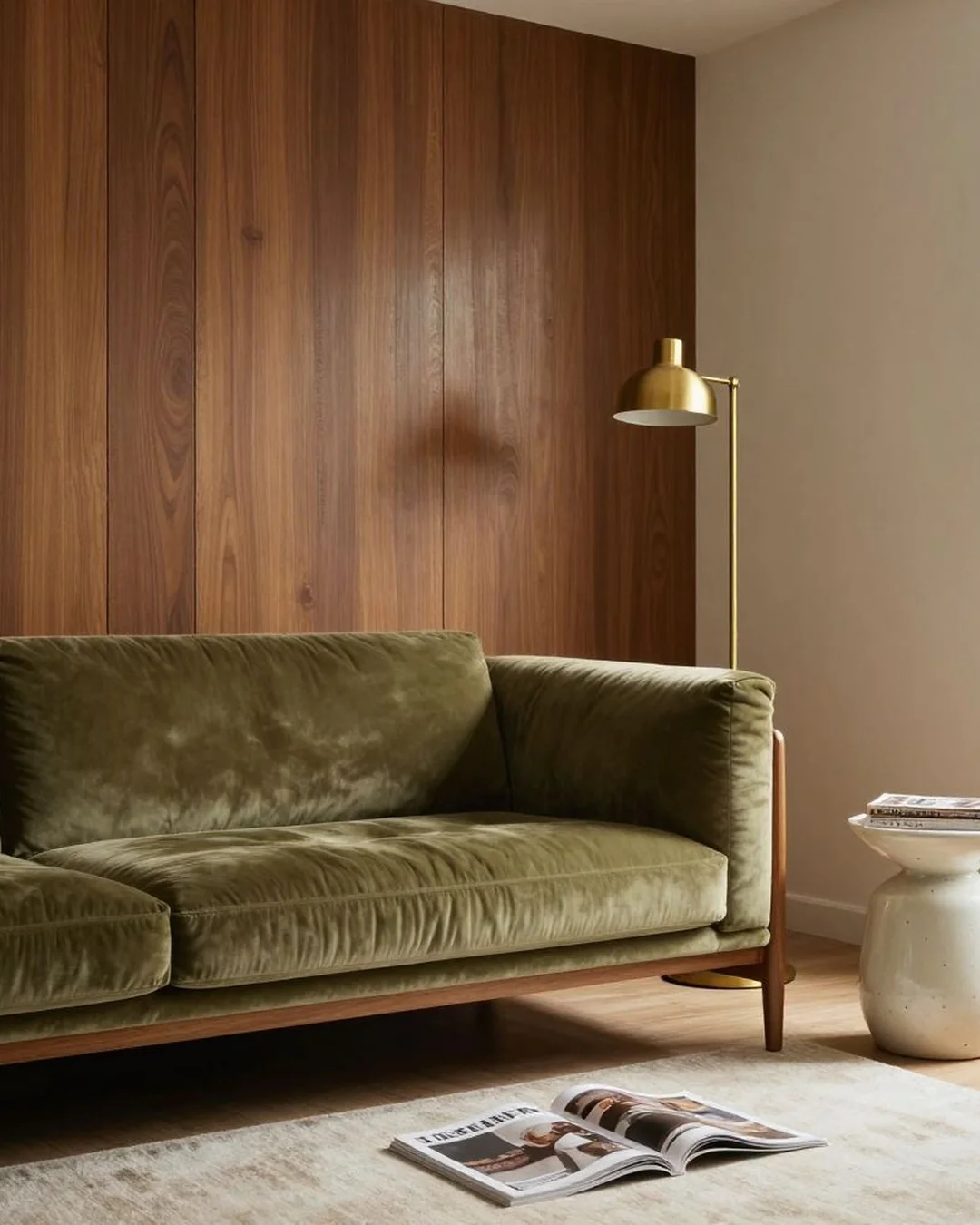
Restage Interior
→
Replace existing furniture with a new aesthetic — keep the bones intact.
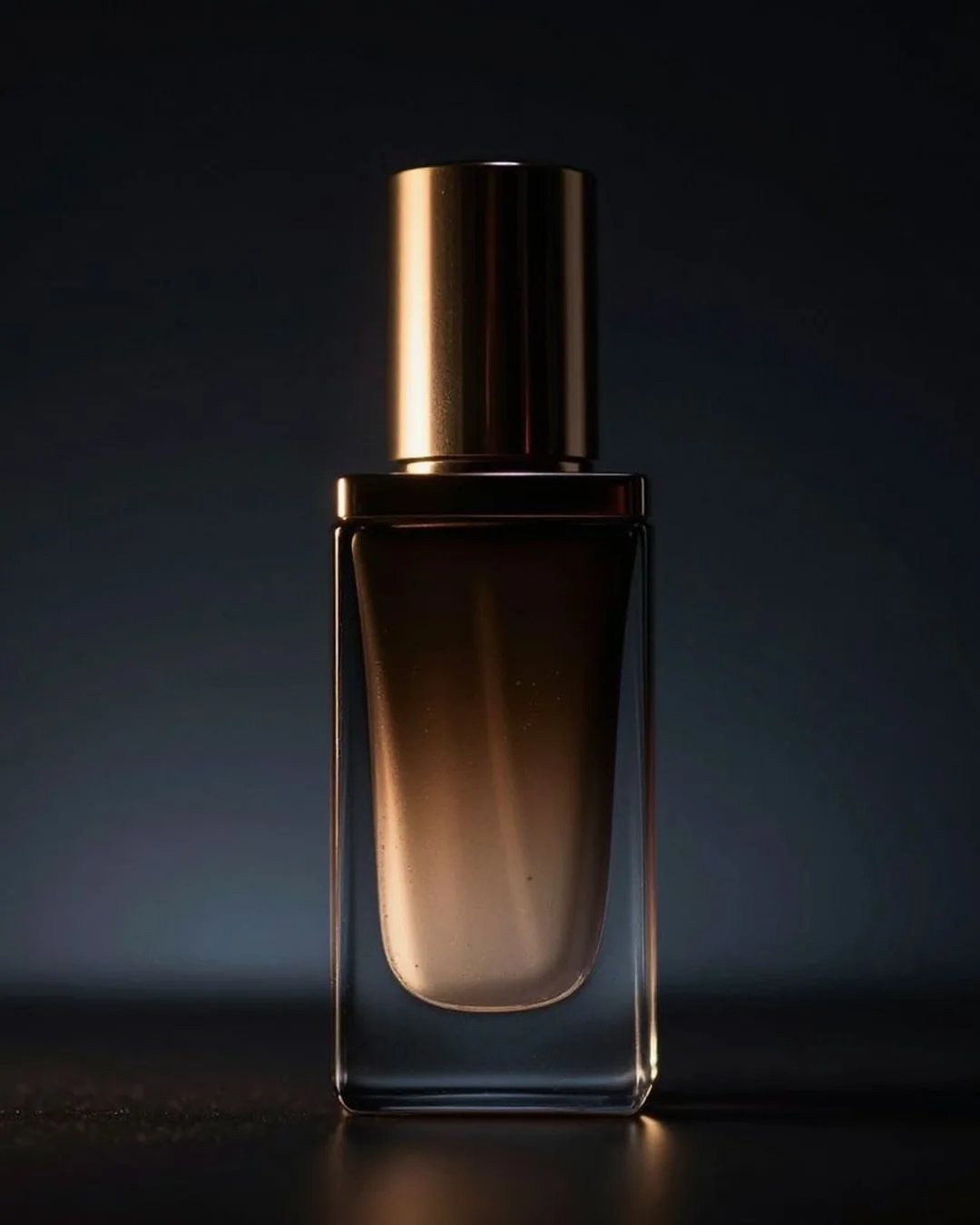
Reveal Animation Video
→
Short cinematic reveal — unbox / unfold / pour — with dramatic motion.
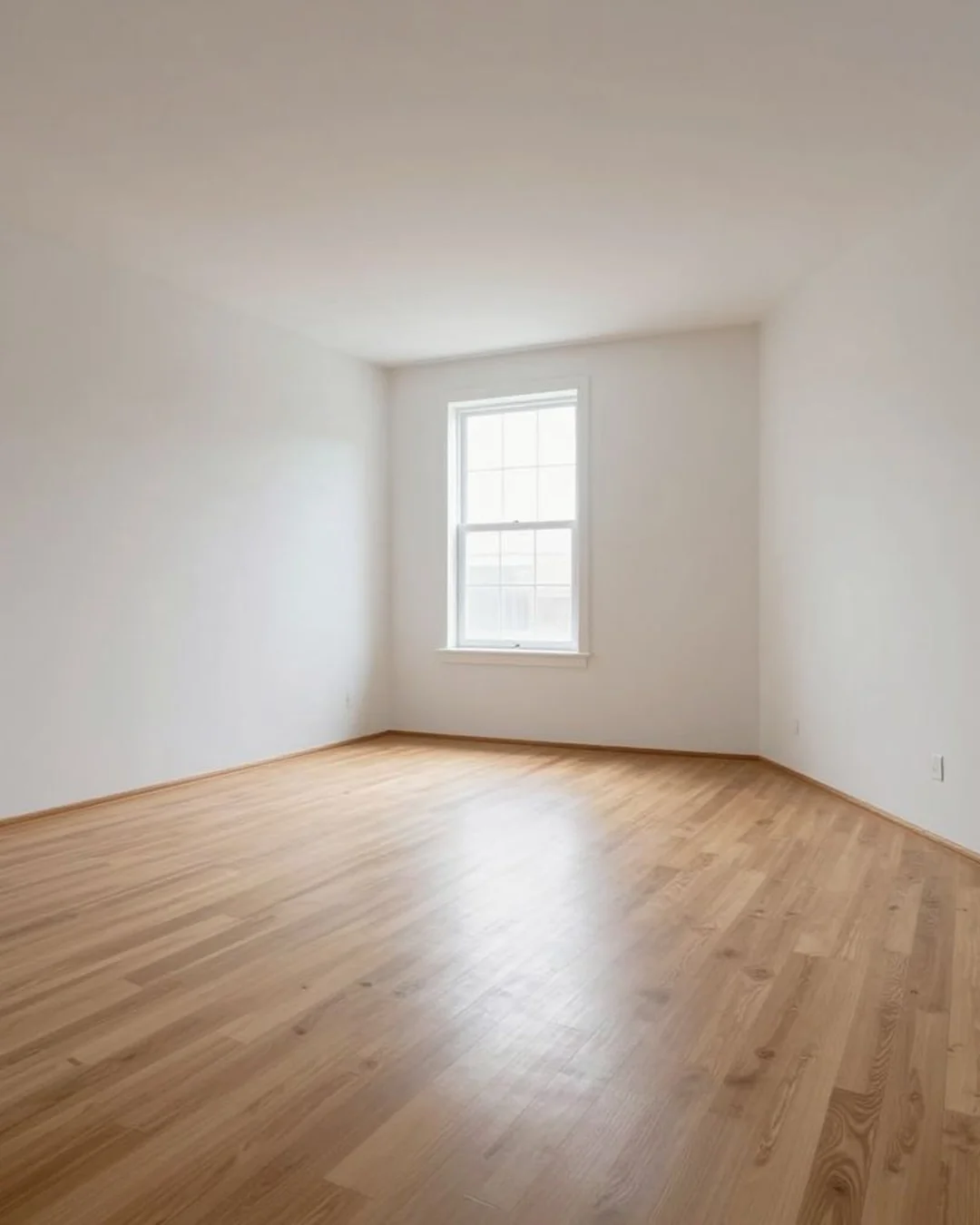
Unfurnish Room
→
Empty a furnished room — removes movable items, preserves the architecture.
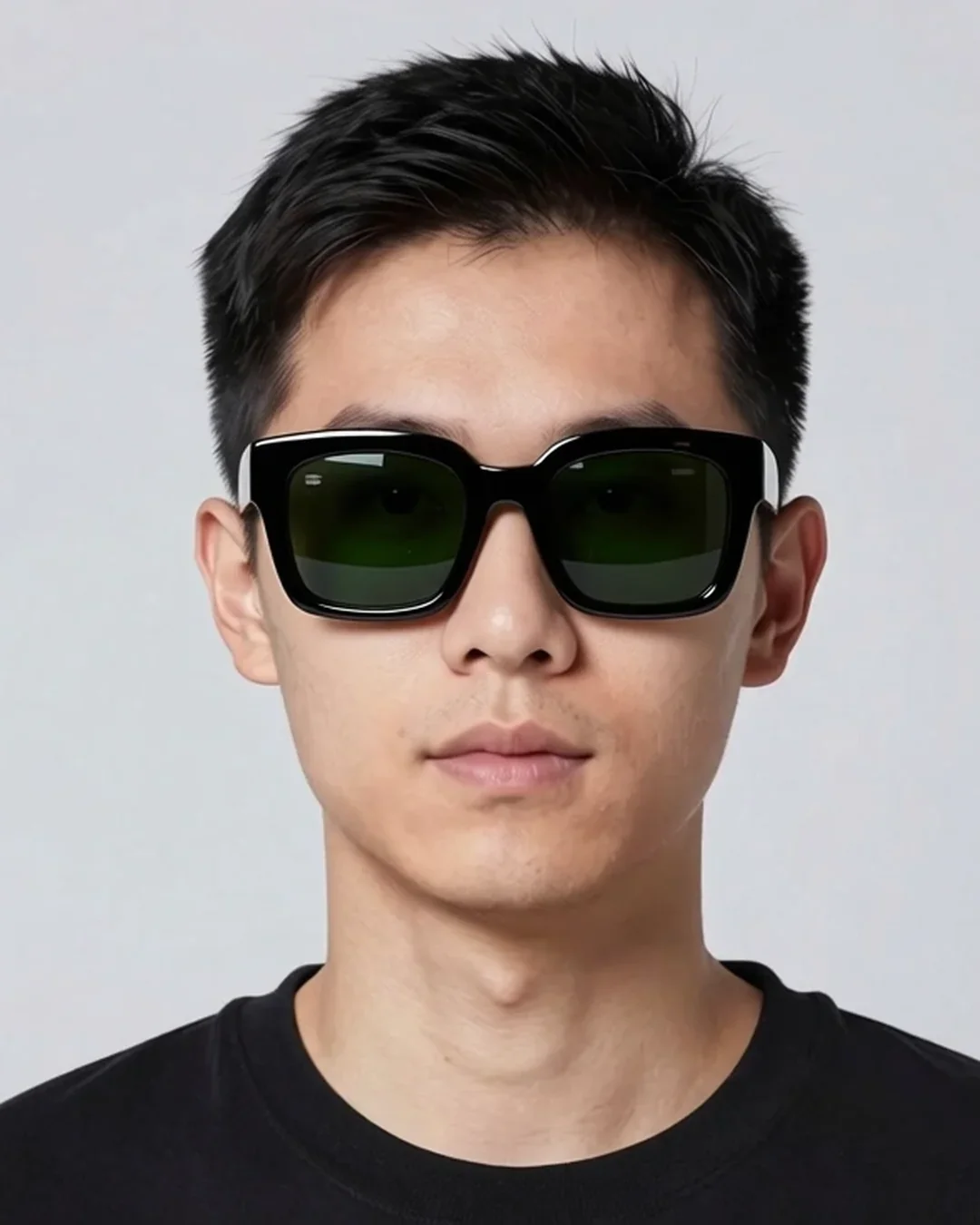
Virtual Try-On (Eyewear & Accessories)
→
Place glasses, jewelry, or watches on the user's photo with fit physics.