Product · Video · HD · 40 credits
One product photo, a polished motion clip
Add a smooth camera move to one product photo and render it as a polished HD video — product shape and detail preserved.
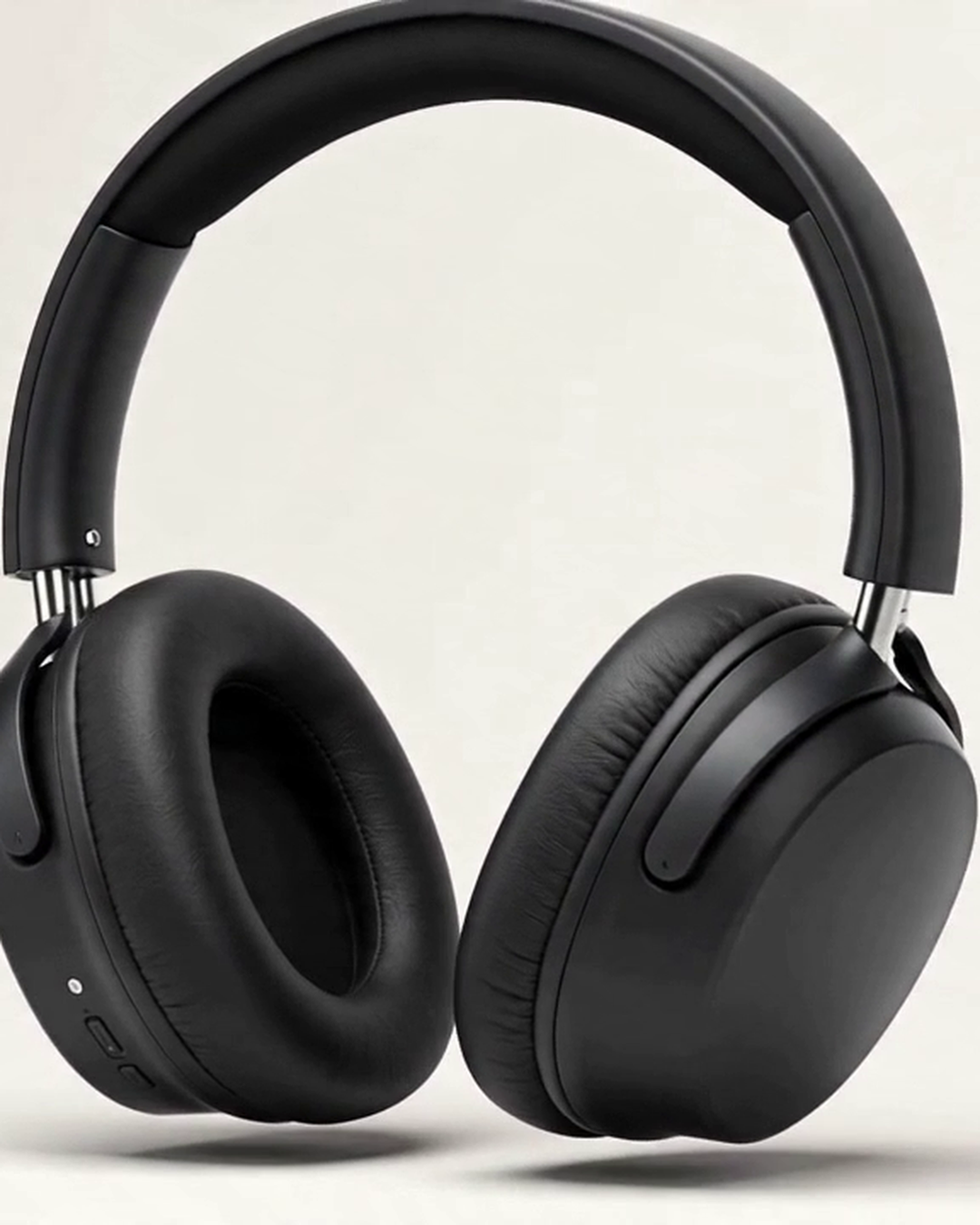
Real inputs, real outputs
Every result below was generated from the photo next to it. No cherry-picking.


Photo in, motion out
A single product image becomes a polished camera-move clip in one run — no shoot, no editor.
Brand-safe by default
Steady, professional pacing — no jump cuts, no shaky-cam. A clip that looks at home on your PDP or in feed.
Product fidelity preserved
The motion is added around your product; its shape, colour, and detail are kept intact.
Who this is for
Who this is for
Marketplace & DTC sellers
Job
Add motion to top PDPs and social ads
Friction
Product video shoots mean a studio day per SKU.
Brand & social teams
Job
Ship scroll-stopping product clips for Reels/TikTok
Friction
Editing motion graphics per product doesn't scale.
Premium product pages
Job
Add motion to flagship hero product shots
Friction
Studio motion for hero SKUs is the priciest part of a shoot.
How it works
How it works
-
1
Drop in your product image
Any clean product shot — phone or studio. A larger, sharper photo gives a crisper clip.
Replaces: Booking a video shoot.
-
2
Pick the motion and duration
Choose a camera move (slow push-in, orbit, float-rotate, detail-pan) and 4, 6, or 8 seconds.
Replaces: Briefing a motion editor.
-
3
Render and download
Get a brand-safe motion clip that preserves the exact product, ready for your PDP or feed.
Replaces: An edit-and-export cycle.
Questions and answers
Questions and answers
What quality is the video?
How long are the clips?
Will it keep my product accurate?
What does it cost?
Who owns the output?
Related templates
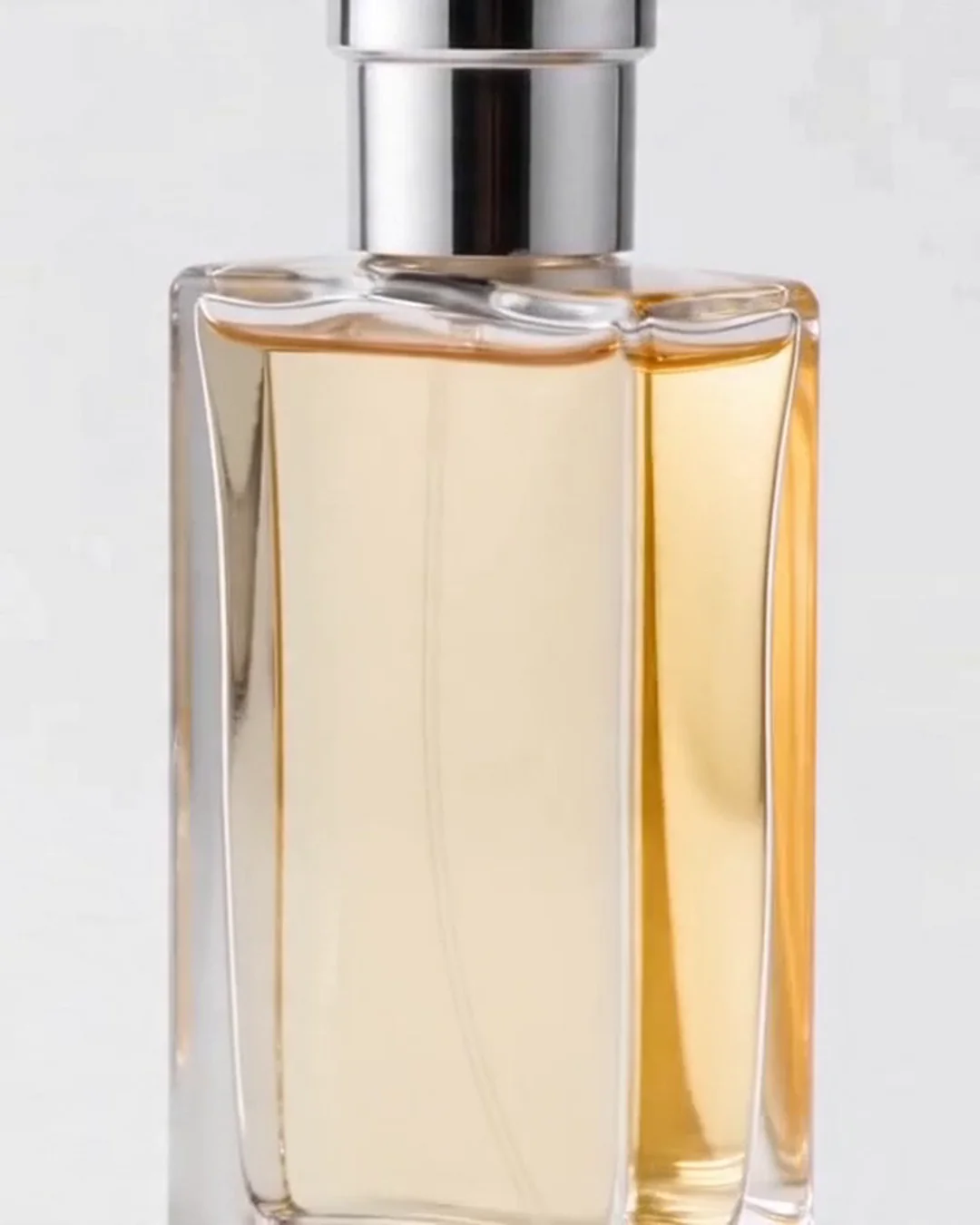
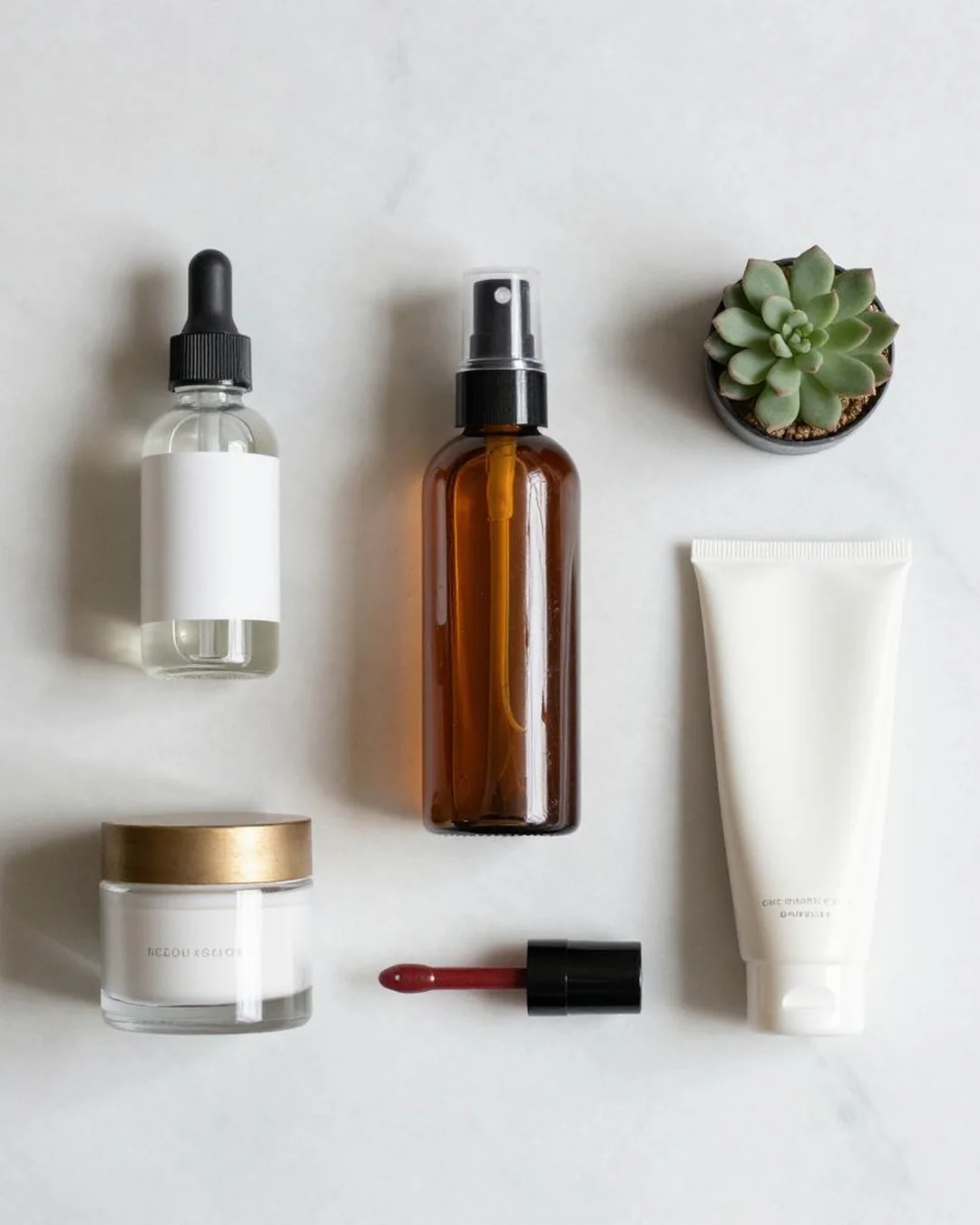
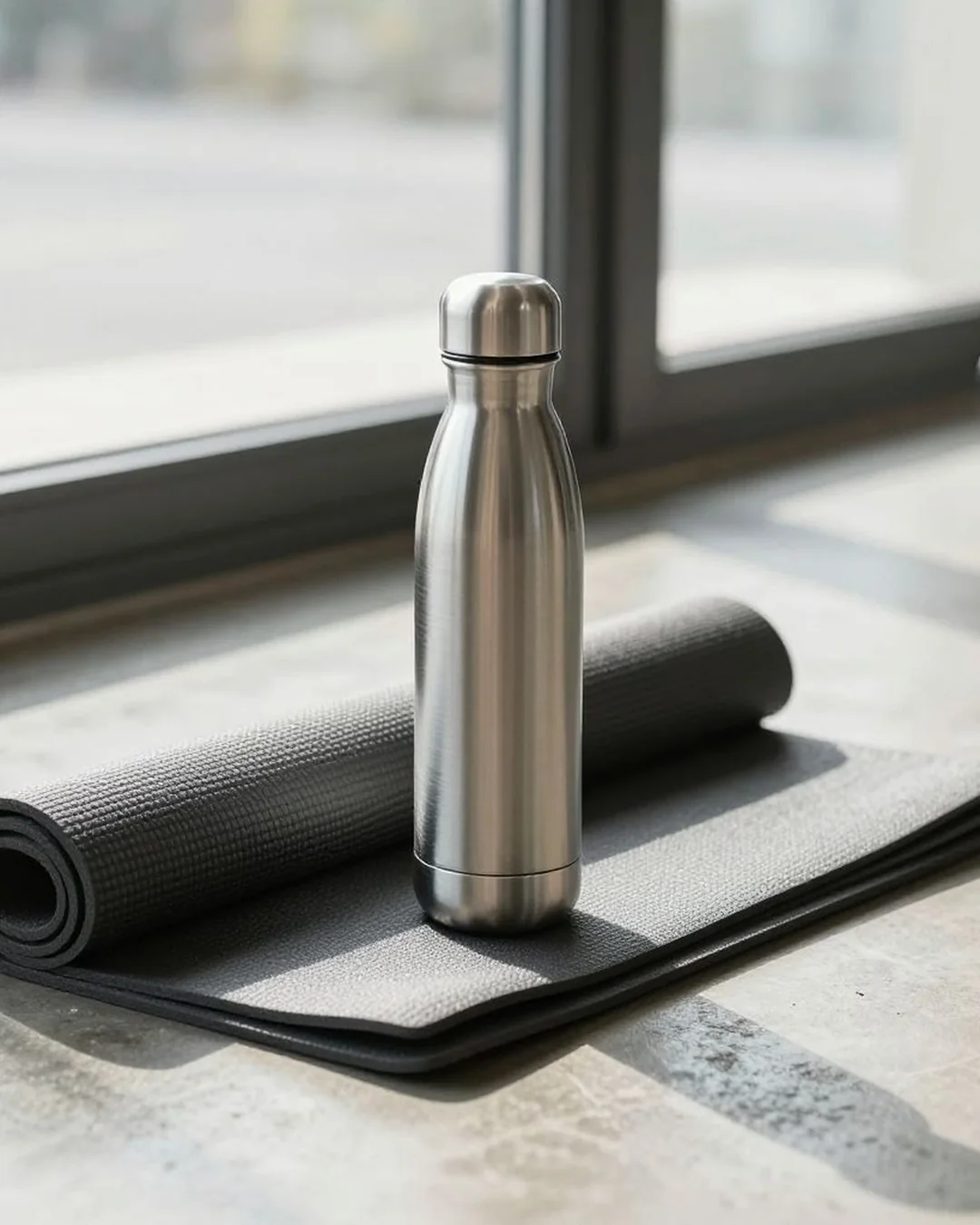
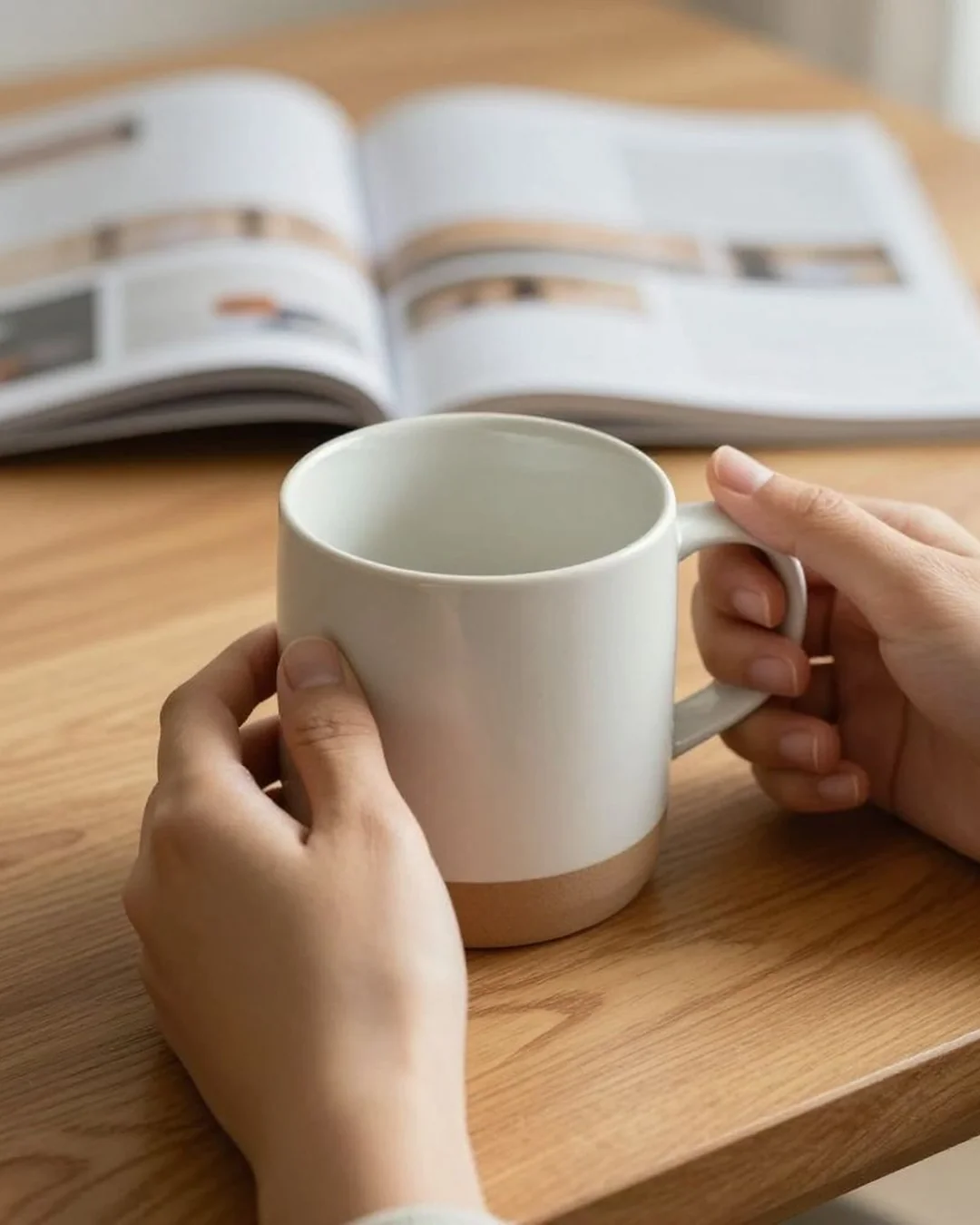
One photo in, a polished motion clip out — no shoot, no editor.
Free credits on signup. No card required.