Product · Single image · 3 credits
Product in context, no shoot day
Place your product naturally in a lifestyle scene — interaction, time of day, environment as parameters. The 'in use' image that converts.
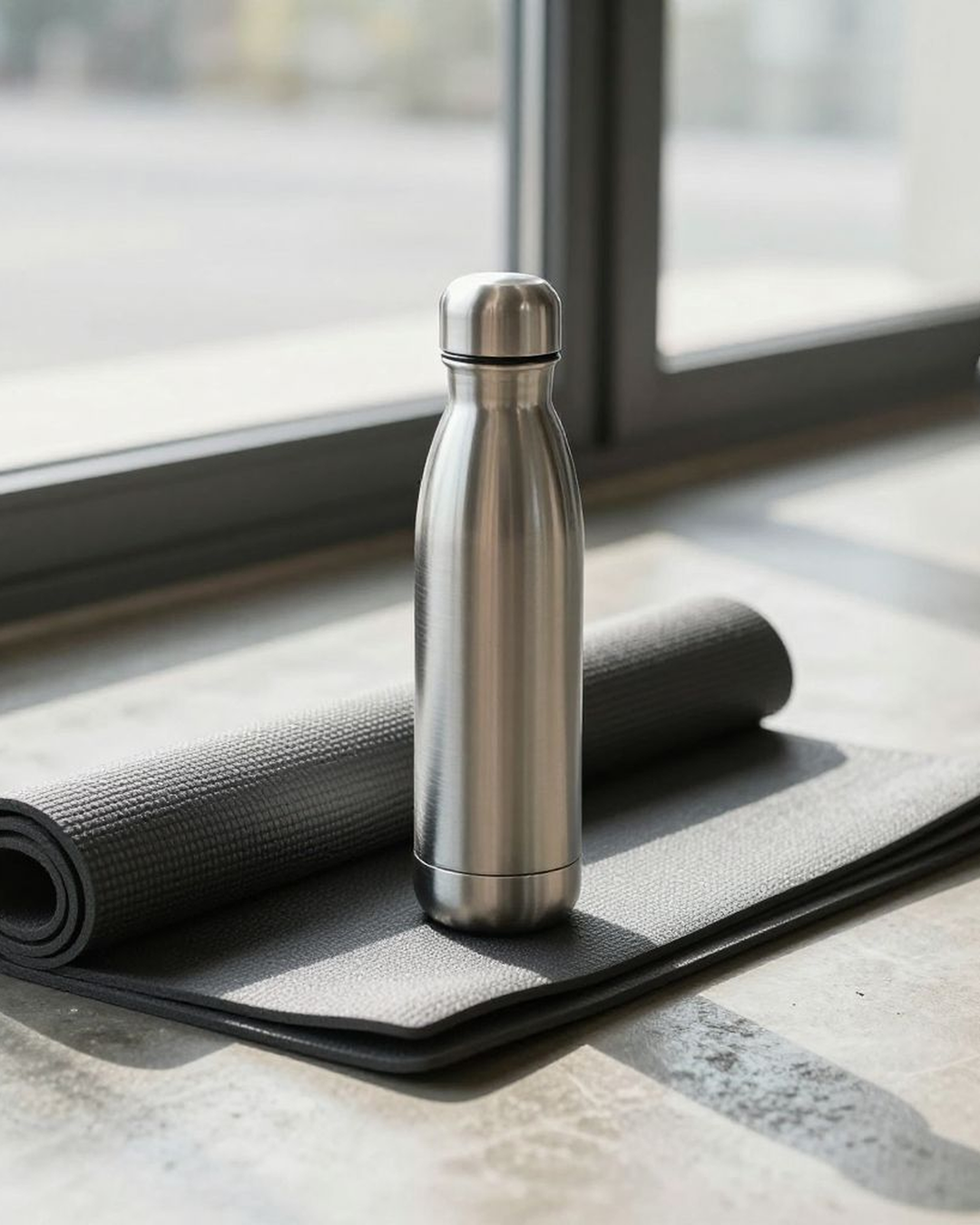
Product in. Lifestyle scene out.
Every result below was generated from the photo next to it. No cherry-picking.


The 'in use' image
PDP secondary galleries with in-use imagery convert higher than hero-only galleries. This generates that asset.
Scene as a parameter
The same product across kitchen, camping, and bedroom scenes — all PDP-grade.
Zero shoot logistics
Talent, location, prop styling, weather risk all drop to zero.
Who this is for
Who this is for
Home goods brands
Job
Show product at home, in use
Friction
Lifestyle context shoots need talent + location + props — $3k-$8k each.
Kitchenware brands
Job
Show the cookware mid-cook
Friction
Working kitchens are hard to photograph in.
Outdoor and camping brands
Job
Show the gear deployed in the field
Friction
Field shoots have weather and logistics risk.
Baby and kids brands
Job
Show the product with a child interacting
Friction
Child casting and shoot logistics are heavy.
Pet brands
Job
Show the pet using the product
Friction
Pets don't follow direction; shoots are unpredictable.
How it works
How it works
-
1
Upload the product photo
Clean product image. Pixfino composites it into the scene with realistic placement.
Replaces: Booking talent, location, and props.
-
2
Pick scene and interaction
Scene type, interaction (holding, using, passive), and time of day.
Replaces: Scene-design pre-pro.
-
3
Generate
One render, ~45 seconds. Output is photorealistic, brand-grade.
Replaces: A half-day on-location shoot.
-
4
Add to PDP gallery
Drop into the secondary PDP gallery alongside the hero shot.
Replaces: Studio retouching handoff.
Pixfino vs traditional production
Pixfino vs traditional production
| Traditional studio | Stock + retouch | Pixfino | |
|---|---|---|---|
| Lead time | 1-2 weeks | 3-5 days | Under 1 minute |
| Per-shot cost | $3k-$8k/day amortised | $80-$200 | 3 credits |
| Iterations | Re-shoot | Slow | Unlimited |
| Scene range | Bound to location | Library-bound | Scene-as-parameter |
| Scale ceiling | Per-shoot day | Slow | Per-SKU per-scene |
| Revisions | Re-shoot | Re-purchase | Free re-runs |
Questions and answers
Questions and answers
Will the product look correctly placed?
Can I show a person interacting with the product?
Does this work for pets?
Can I match a specific brand mood?
What aspect ratios are supported?
Is this safe for children's apparel imagery?
Related templates
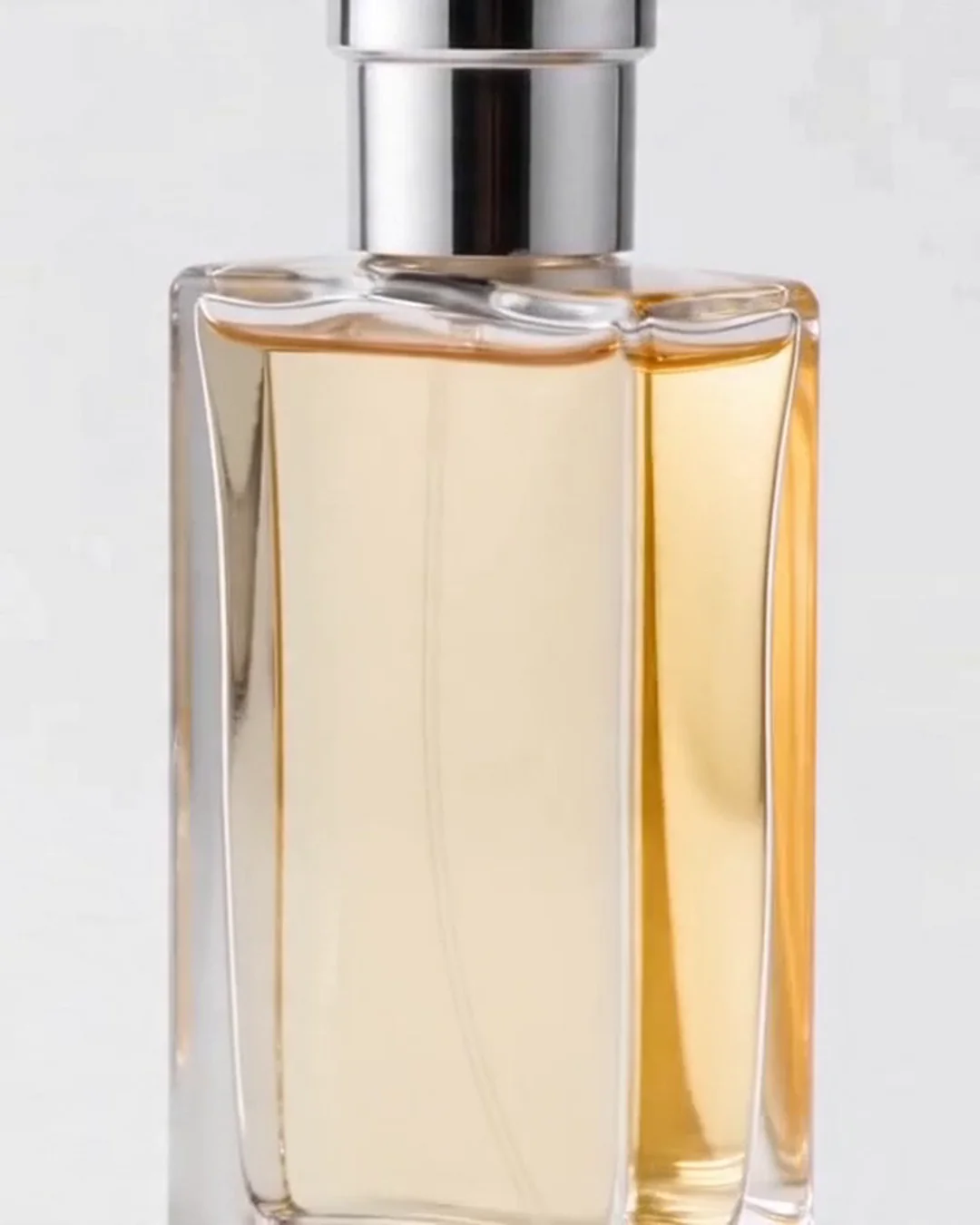
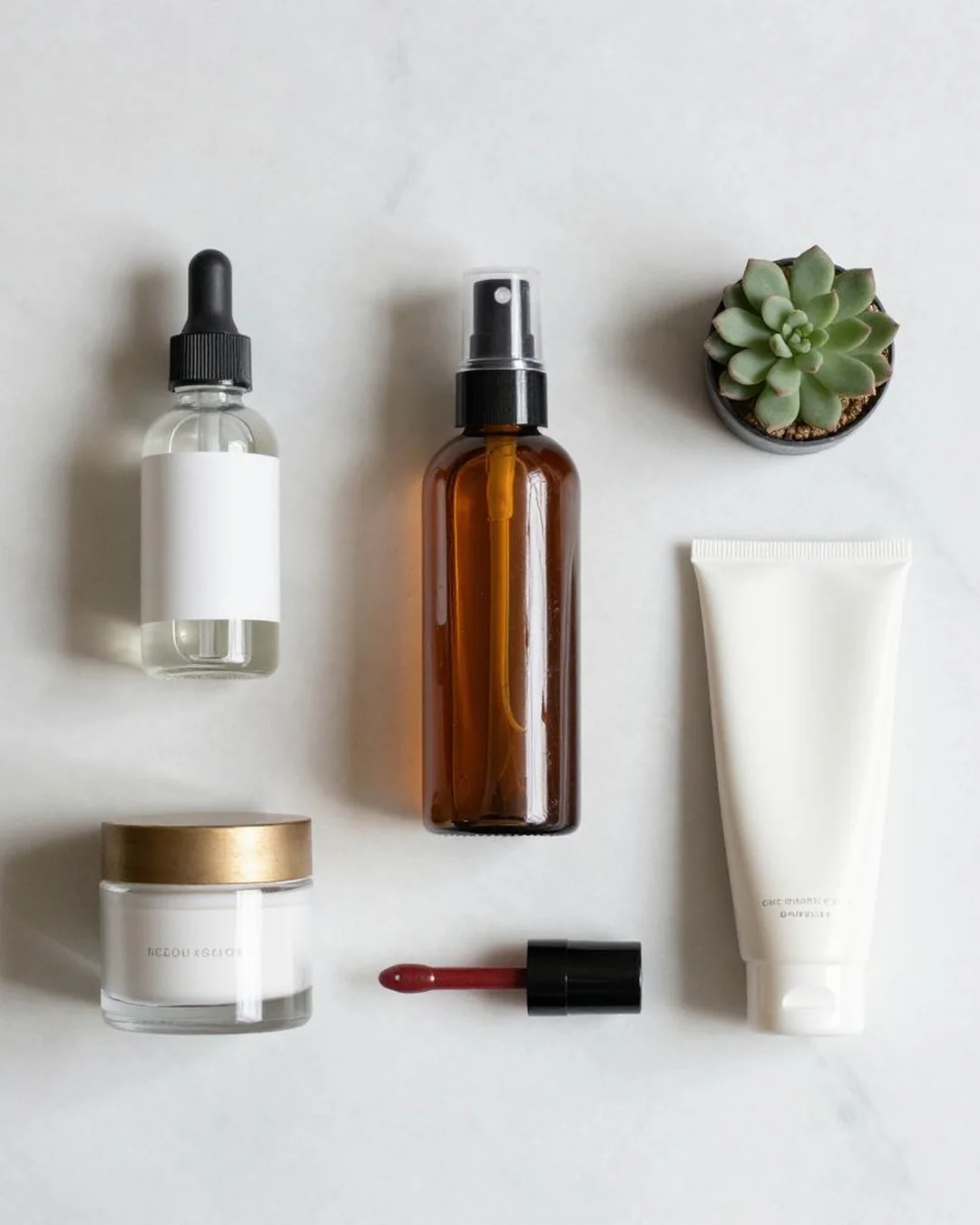
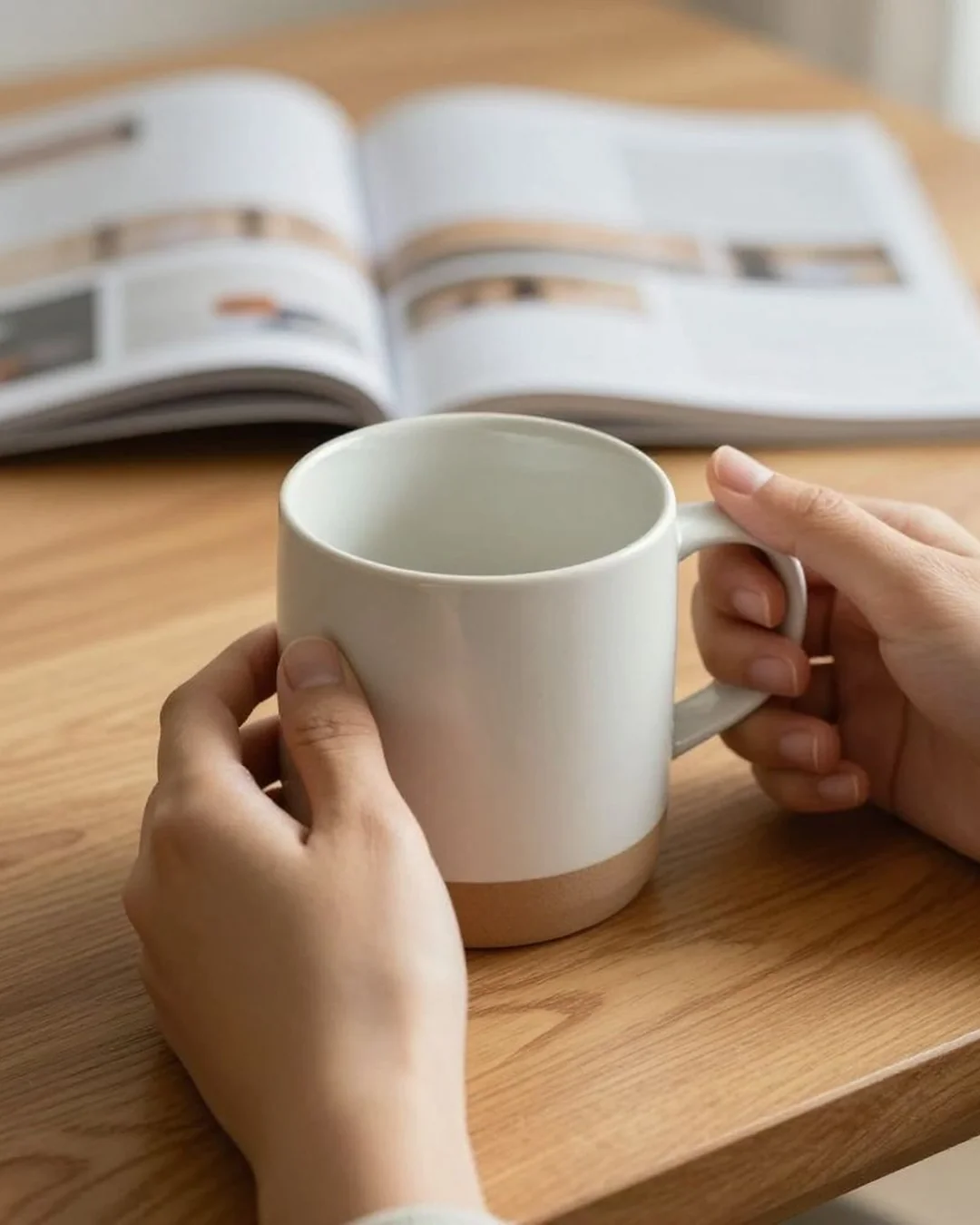
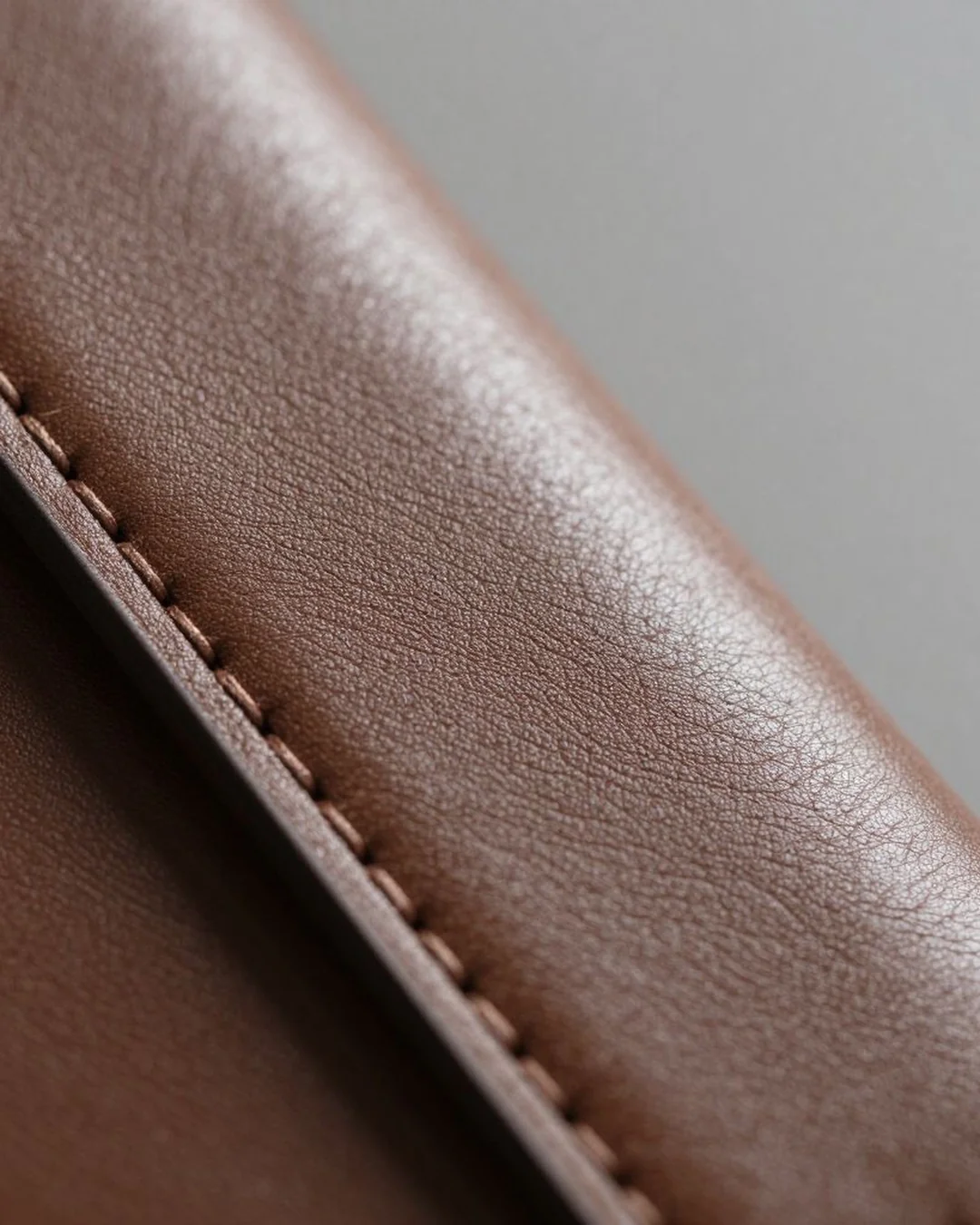
Product in, lifestyle scene out. The 'in use' image that converts.
Free credits on signup. No card required.